
I’ll never forget the first time I watched a stealth game enemy walk right past a dead body I’d hidden in shadows, then suddenly stop, backtrack, and investigate. That moment of emergent behavior—where the AI seemed to “notice” something felt wrong came from weeks of architectural decisions, not a single clever script. Game AI architecture isn’t about making computers think; it’s about creating the illusion of thought through smart system design.
Understanding the Foundation
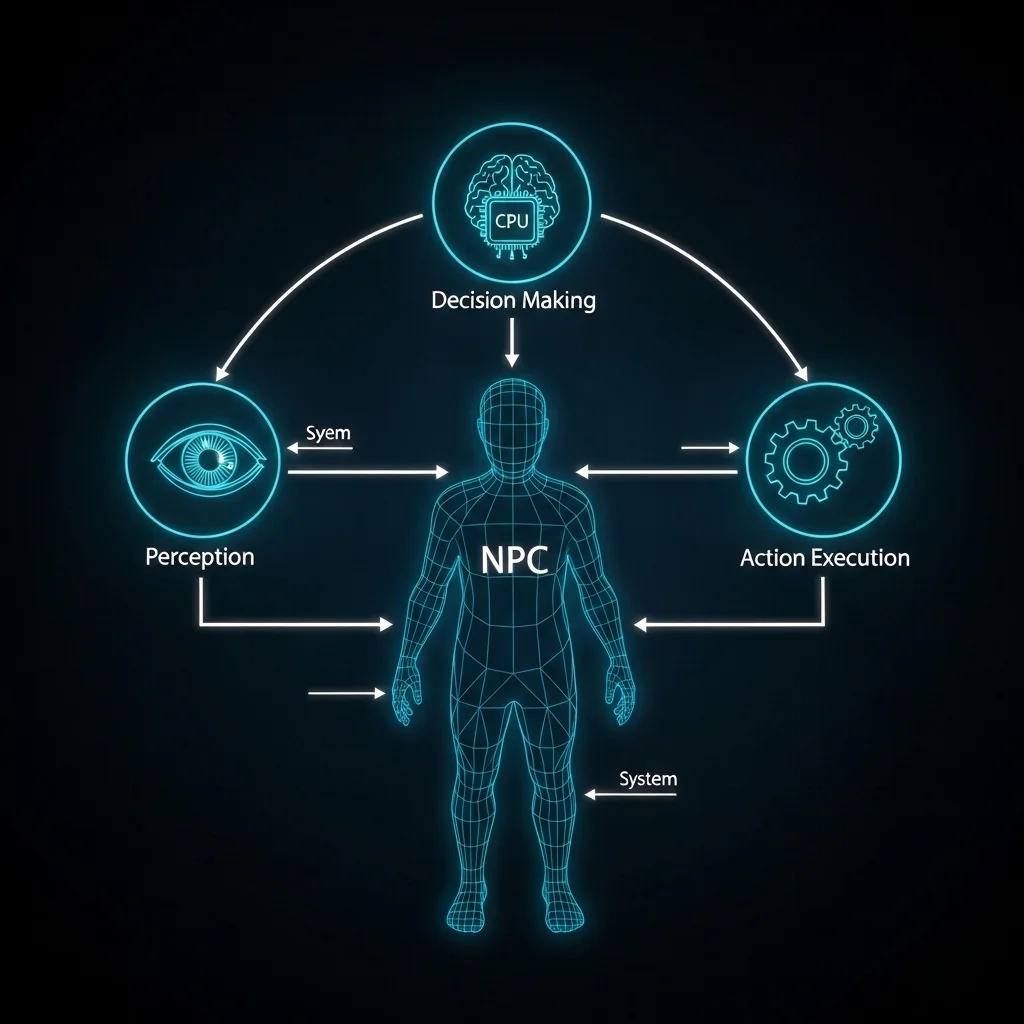
Game AI architecture is essentially the blueprint for how non-player characters make decisions and interact with the game world. Unlike traditional software where correctness matters most, game AI prioritizes believability, performance, and designer control. You’re not building Deep Blue here—you’re crafting something that feels right to players while running on limited CPU cycles alongside rendering, physics, and everything else.
The architecture determines how information flows through the system: how enemies perceive threats, evaluate options, and execute actions. Get this wrong, and you’ll spend months fighting technical debt. I’ve seen teams completely rebuild AI systems mid-development because the initial architecture couldn’t scale.
Common Architectural Approaches
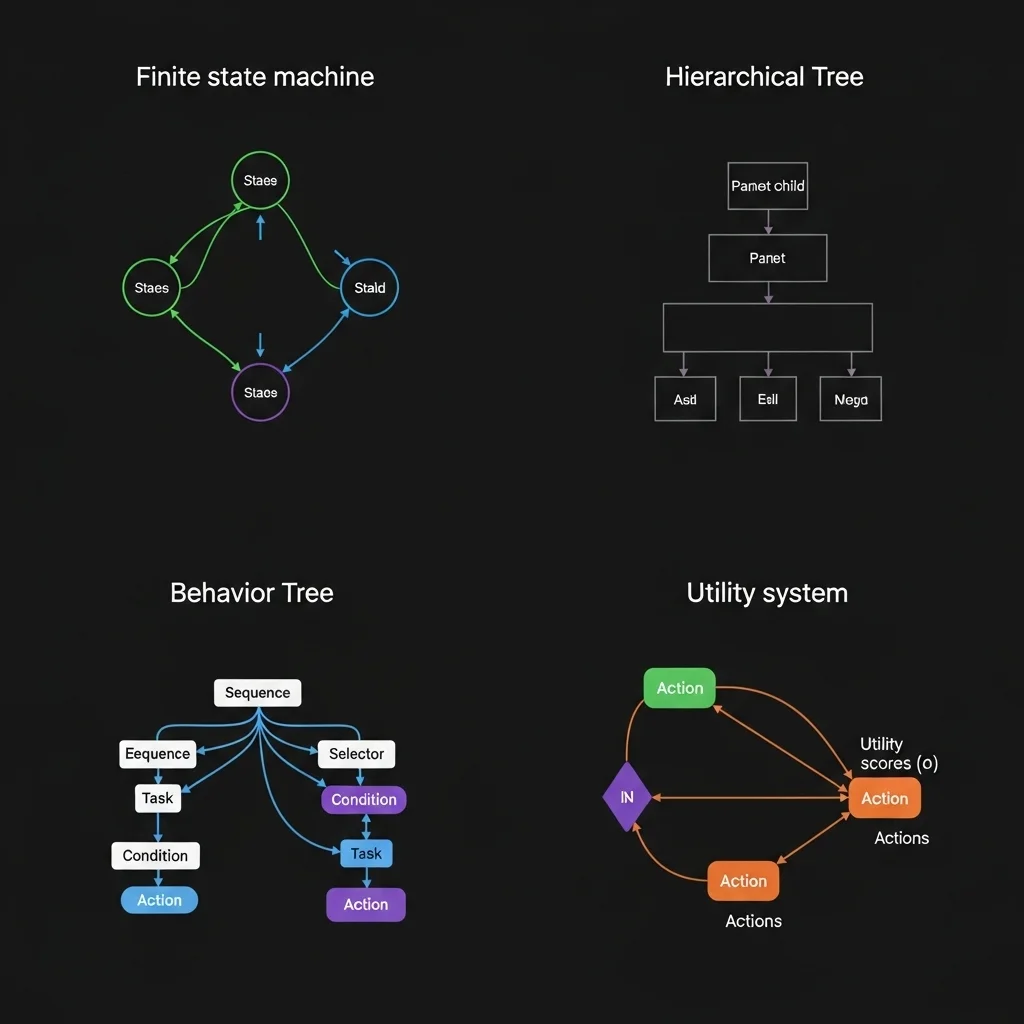
Finite State Machines (FSMs) remain surprisingly prevalent, especially for simpler behaviors. An enemy might transition between Patrol, Investigate, Combat, and Flee states. The code is straightforward basically a switch statement with transition rules. I’ve used FSMs for boss fights where you want clear, predictable phases. The limitations become obvious when behaviors get complex; you end up with dozens of states and spaghetti transitions that nobody wants to debug at 2 AM.
Hierarchical FSMs help manage that complexity. Instead of one massive state machine, you nest them. A “Combat” state might contain its own machine handling Cover, Advance, and Retreat. This worked beautifully on a squad-based tactical game I worked on, where squad-level and individual-level behaviors needed separation.
Behavior Trees have become the industry standard for good reason. They organize actions and decisions into a tree structure that’s both powerful and designer-friendly. The nodes evaluate from left to right: sequences fail if any child fails, selectors succeed if any child succeeds. What makes them shine is modularity. You can build a “find cover” subtree and reuse it across different enemy types. Most modern game engines include behavior tree editors because they strike that sweet spot between power and usability.
Utility-Based Systems evaluate multiple options and pick the highest-scoring one. Each action gets a score based on various factors health, ammunition, distance to player, allies nearby. This creates more nuanced decision-making. An enemy might retreat not because health dropped below a threshold, but because the utility calculation determined survival trumps aggression given the current context. The downside? Tuning dozens of scoring curves can feel like balancing a house of cards.
Design Considerations That Actually Matter
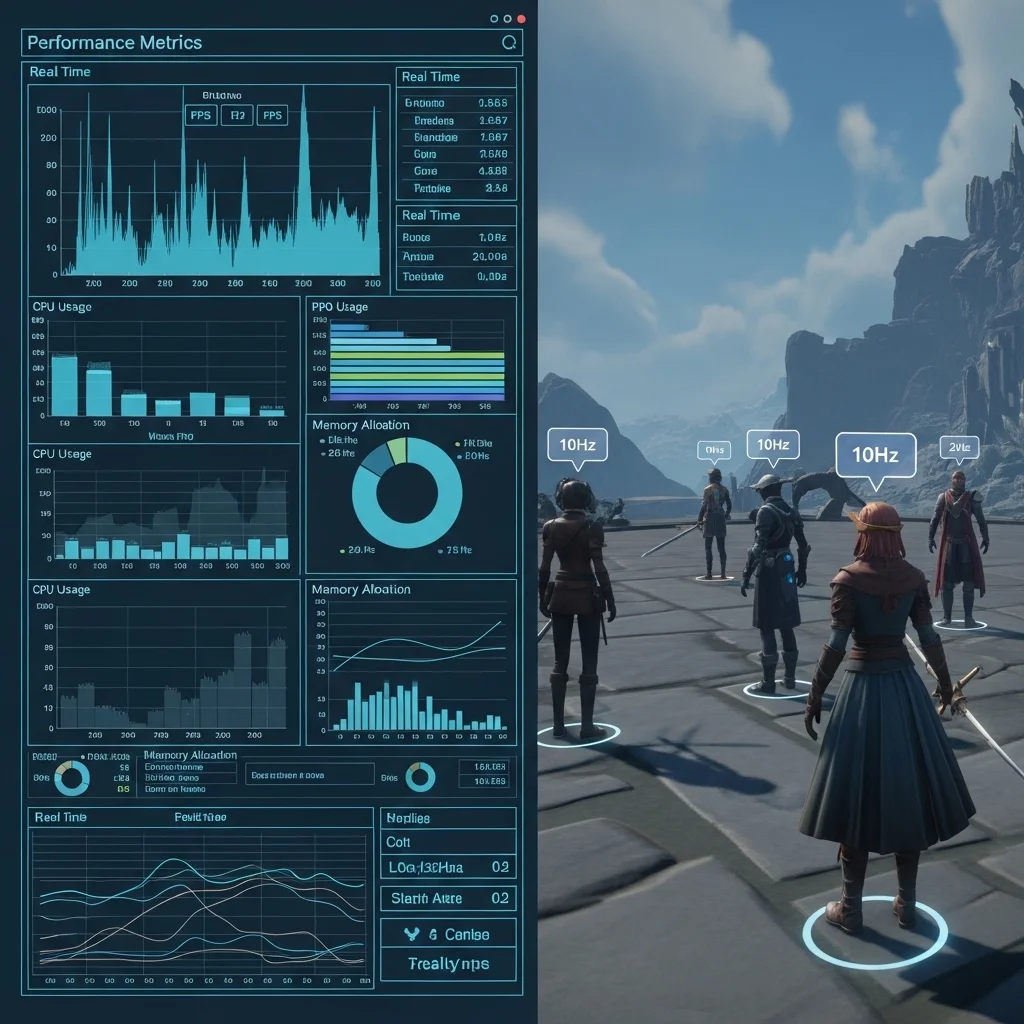
The first question I ask when architecting game AI is: “What’s the performance budget?” In a strategy game with 500 units, you can’t run expensive pathfinding every frame. You might update AI decisions on staggered schedules high-priority units at 10Hz, background units at 2Hz. Players rarely notice if a distant unit thinks slowly.
Data-oriented design helps tremendously here. Instead of each AI entity as a separate object with scattered memory, organize data by component type. All perception data together, all decision-making data together. Cache coherency matters more than object-oriented purity when you’re processing hundreds of agents.
The architecture needs to support debugging and iteration. I always build visualization tools early overlays showing what AI characters perceive, which decisions they’re considering, why they chose specific actions. Without this, you’re flying blind. Behavior trees help here because you can literally watch the tree execution in real-time.
Separation of concerns prevents headaches. Keep perception separate from decision-making, and decision-making separate from animation/execution. An enemy might decide to “take cover,” but the actual cover position selection and movement happen in separate systems. This lets designers tweak decision logic without breaking animation timing.
The Perception Problem
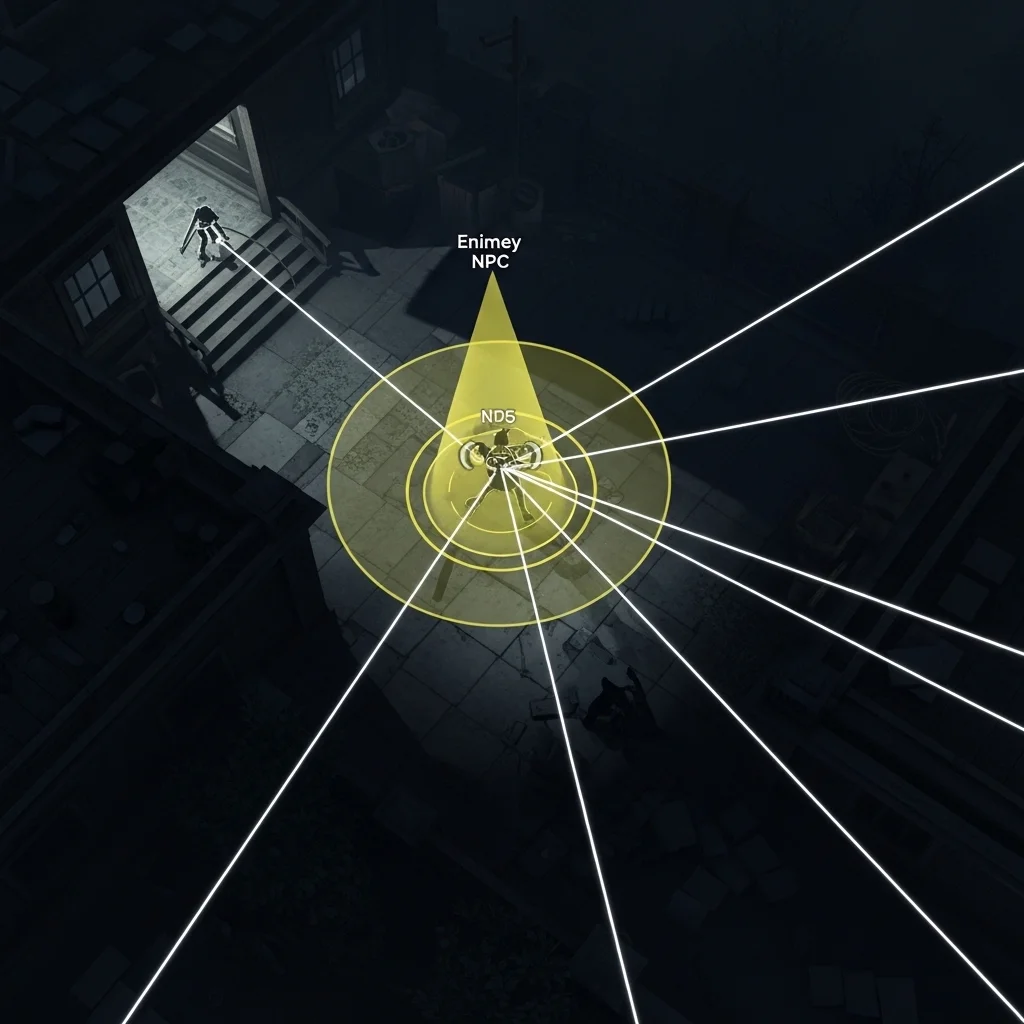
Most game AI architectures include a perception system that simulates what characters “know” about the world. You could give enemies perfect information they always know the player’s exact position but that feels unfair and robotic. Instead, we simulate senses.
A typical perception system might raycast from the enemy to nearby targets, checking line of sight. If the ray hits the player and lighting conditions are favorable, the enemy “sees” them. Sound events propagate through the level geometry. This creates organic moments where enemies investigate sounds or lose track of players who break line of sight.
The architectural challenge is managing this efficiently. You don’t want every enemy raycasting to every potential target every frame. I’ve used spatial partitioning (grid-based or quadtree) to limit perception queries to nearby entities, and event-based systems where loud actions notify interested listeners rather than polling.
Integration and Communication
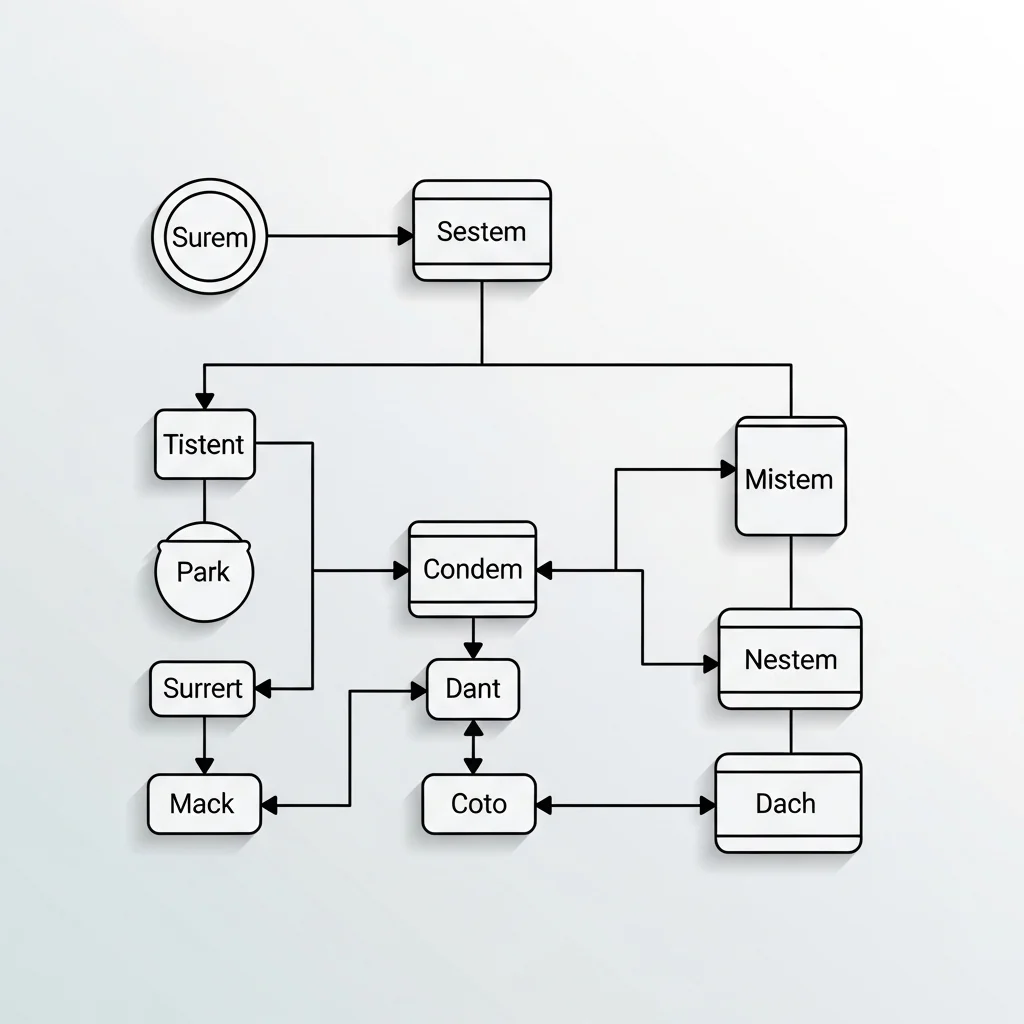
Game AI doesn’t exist in isolation. It needs to communicate with animation systems (requesting specific animations), navigation meshes (pathfinding), game logic (door interactions, inventory), and more. The architecture should define clear interfaces for this.
Message-passing works well for decoupled communication. An AI system sends a “PlayAnimation” message to the animation system rather than directly calling animation functions. This prevents tight coupling and makes systems easier to test independently.
Some teams use blackboards shared data structures where different systems can read and write information. An AI might write “LastKnownPlayerPosition” to a blackboard, which both movement and animation systems can read. Just be careful about threading and race conditions if you’re running AI across multiple cores.
What I’d Do Differently Now

Looking back at projects, I wish I’d invested more in tools earlier. Building in-game editors for tweaking AI parameters saved countless iteration hours once they existed. Starting with placeholder developer tools and promising to “build proper ones later” is a trap.
I’ve also learned to embrace hybrid approaches instead of religious adherence to one pattern. Behavior trees for high-level decisions, utility systems for scoring options within specific behaviors, FSMs for animation state mixing patterns based on what each part of the system needs works better than forcing everything into one paradigm.
The industry is gradually moving toward more data-driven architectures where designers author AI in visual editors rather than code. This is great for iteration speed but requires solid underlying architecture. The code has to be stable and well-abstracted before non-programmers can safely modify behaviors.
Closing Thoughts
Game AI architecture is about managing complexity while maintaining performance and iteration speed. The “best” architecture depends entirely on your game’s needs. A fighting game AI has completely different requirements than an open-world RPG. Start simple, profile early, and build abstraction layers only when you actually need them.
The most important thing? Make sure your architecture supports rapid iteration, because you’ll be tuning behaviors until the day you ship. And probably in patches afterward too.
Frequently Asked Questions
What’s the most common game AI architecture?
Behavior trees have become the industry standard, especially for action and adventure games, due to their balance of power and designer-friendliness.
How much CPU should game AI use?
Typically 10-15% of frame time on one core, though this varies widely by genre. Strategy games might dedicate more; competitive multiplayer games might use less.
Should I build custom AI or use engine tools?
Use engine tools (Unreal’s Behavior Trees, Unity’s ML-Agents, etc.) unless you have specific needs they can’t meet. Custom systems require significant maintenance effort.
How do I make AI feel less robotic?
Add reaction delays, occasional suboptimal decisions, and perceptual limitations. Perfect play feels wrong to humans. Randomness helps, but weighted randomness based on personality traits works better.
What’s the difference between game AI and machine learning?
Traditional game AI uses hand-authored rules and behaviors for predictability and designer control. Machine learning trains systems on data but offers less guarantees about behavior, making it risky for shipped games (though this is changing).