
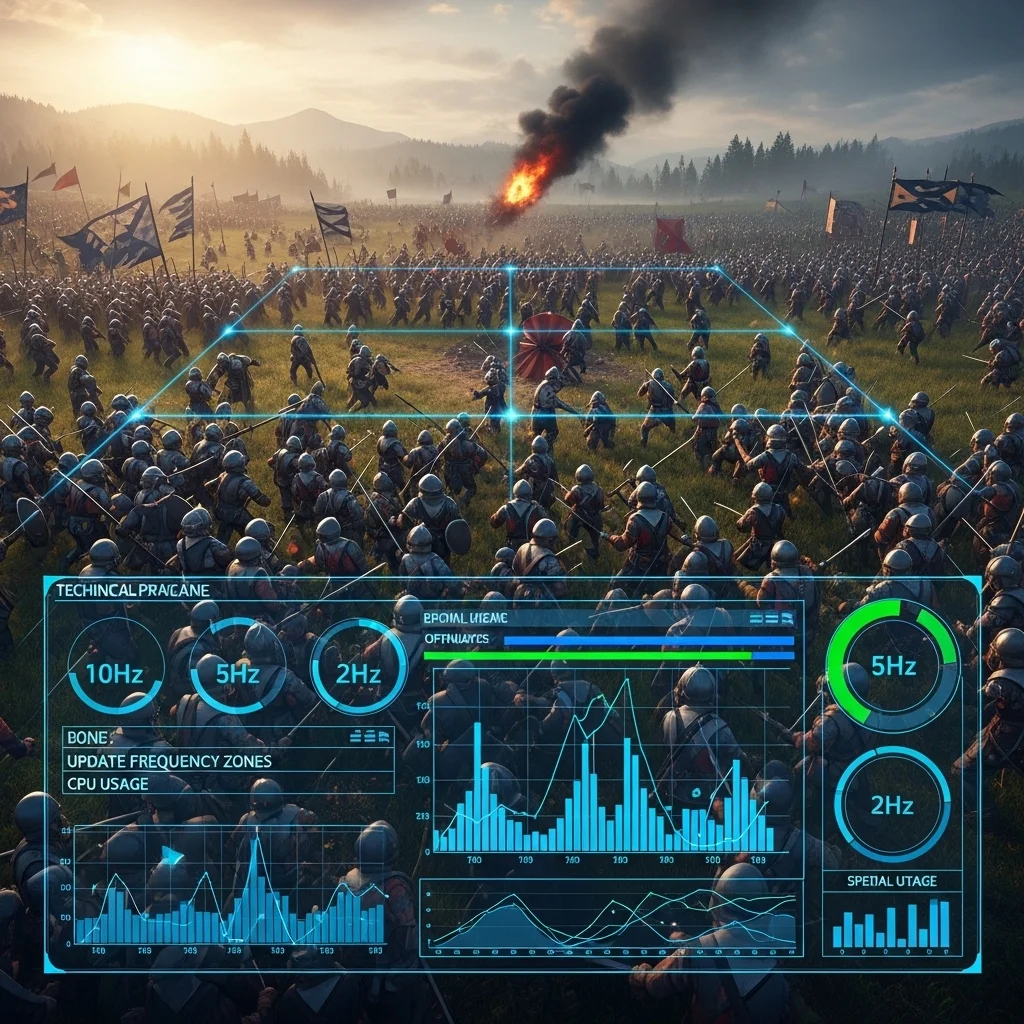
The day our stress test spawned 500 enemies simultaneously and the frame rate dropped to single digits was… educational. We’d built a solid AI system for typical encounters with 8-10 active enemies, but our open-world game needed to handle entire villages, battlefields with dozens of combatants, and densely populated cities. What worked small absolutely did not scale.
Scalability in game AI isn’t about making smarter characters it’s about maintaining acceptable performance as the number of active AI entities grows. And it’s one of those problems that sneaks up on you. Ten enemies running pathfinding at 30Hz feels fine. A hundred doing the same thing? Suddenly you’re burning your entire CPU budget on AI alone.
The Reality of Scale
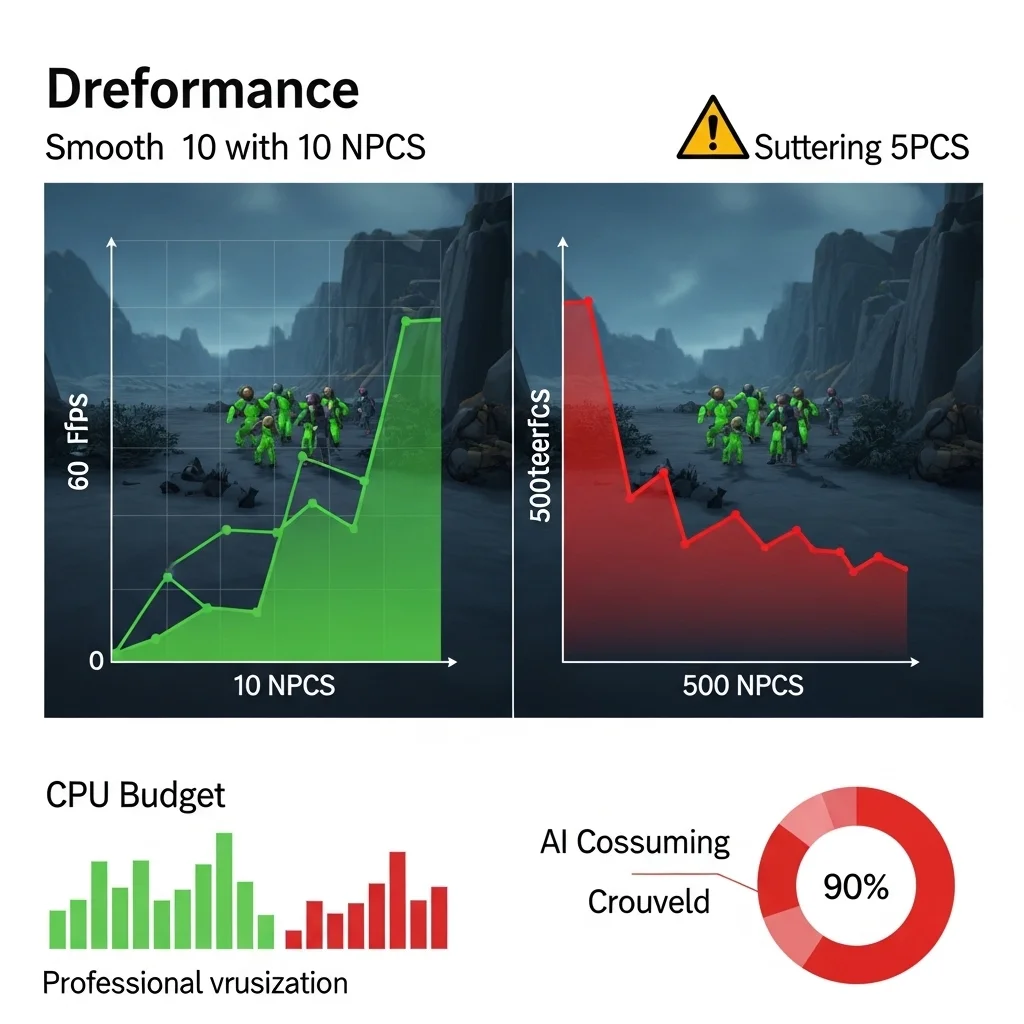
Let’s talk numbers. A typical AI character in a modern game might perform vision checks, pathfinding updates, decision-making logic, and animation state management every frame or every few frames. If each character takes 0.5ms of CPU time and you’re targeting 60fps (16.6ms frame budget), you can handle maybe 10-15 active characters before AI becomes a bottleneck. That’s with AI taking about 30-40% of your frame budget, which is already pushing it.
Now imagine an RTS game with 200 units, or an open-world game where players can see dozens of NPCs simultaneously. The math doesn’t work. You need architectural decisions that let AI complexity scale with quantity.
Level of Detail: Not Just for Graphics
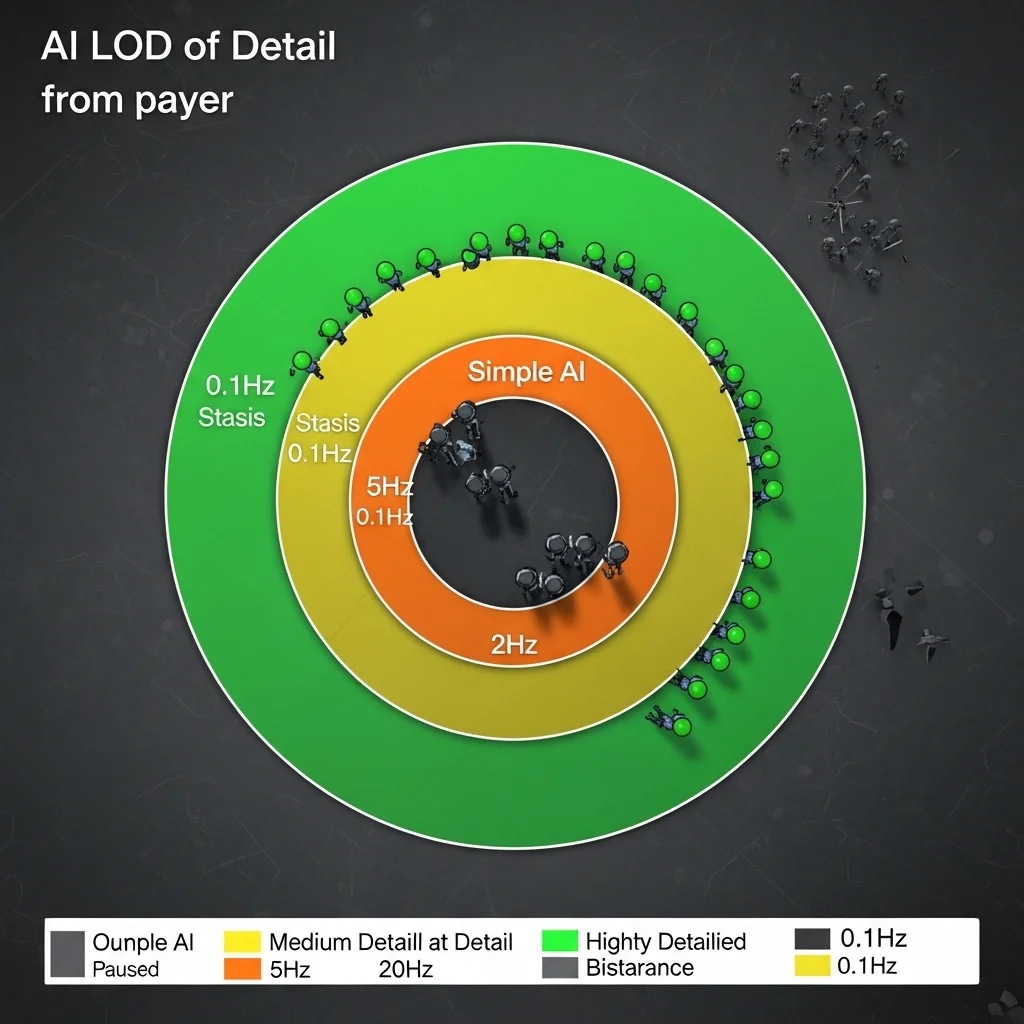
The breakthrough moment for me was realizing AI needs LOD (level of detail) systems just like rendering does. A character 200 meters away doesn’t need millisecond-precise decision-making or detailed pathfinding. Players can’t even see subtle behavior at that distance.
I’ve implemented tiered update frequencies on several projects, and it’s probably the single most impactful scalability technique. Characters in direct combat with the player update at 10-20Hz. Characters nearby but not in combat might update at 5Hz. Background characters visible in the distance update at 1-2Hz. Characters completely off-screen or beyond a certain radius update at 0.1Hz or not at all, just maintaining basic state.
The trick is making transitions between LOD tiers smooth. You can’t have an enemy suddenly become smart when it gets close that feels broken. I use hysteresis zones where characters gain higher update frequency before they strictly need it, and keep higher frequencies slightly longer when moving away. An enemy might switch to high-frequency updates at 60 meters but only drop to low frequency at 80 meters. This prevents thrashing between states.
One project used priority queuing where we had a fixed CPU budget for AI each frame, and characters competed for processing time based on priority scores. Distance to player, whether they’re on-screen, current activity state all factored in. High-priority characters got processed every frame; low-priority ones waited their turn. It worked surprisingly well, though debugging why a specific character wasn’t updating required new tools.
Spatial Partitioning: The Foundation
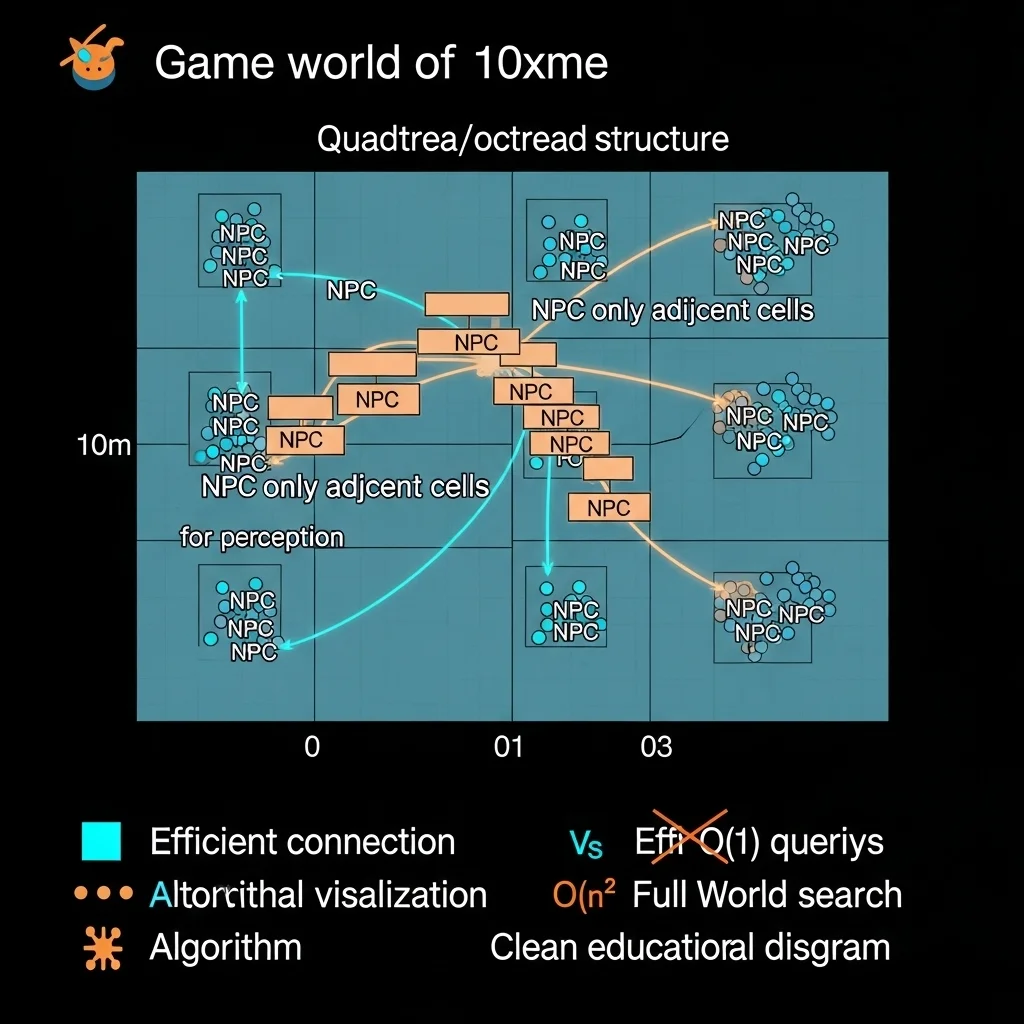
You cannot scale AI without spatial partitioning. Period. If every character queries every other character for perception or decision-making, you’re looking at O(n²) complexity that destroys performance as n grows.
Grid-based partitioning is my go-to for most games. Divide the world into cells (maybe 10×10 meters), and each cell maintains a list of entities within it. When a character needs to find nearby enemies, you only check the character’s cell and adjacent cells. This drops perception queries from O(n) to effectively O(1) in terms of total world size.
I learned the hard way that cell size matters. Too small, and entities constantly transition between cells (overhead). Too large, and you’re still checking too many entities per query. I usually make cells 1.5-2x the maximum perception radius of most characters.
For truly massive scales, hierarchical approaches work better. Quadtrees or octrees let you quickly cull large regions of the world. A character searching for enemies can eliminate entire branches of the tree that are too far away without checking individual entities. This is particularly useful for games with non-uniform entity distribution dense cities versus sparse wilderness.
Batch Processing and Data Layout
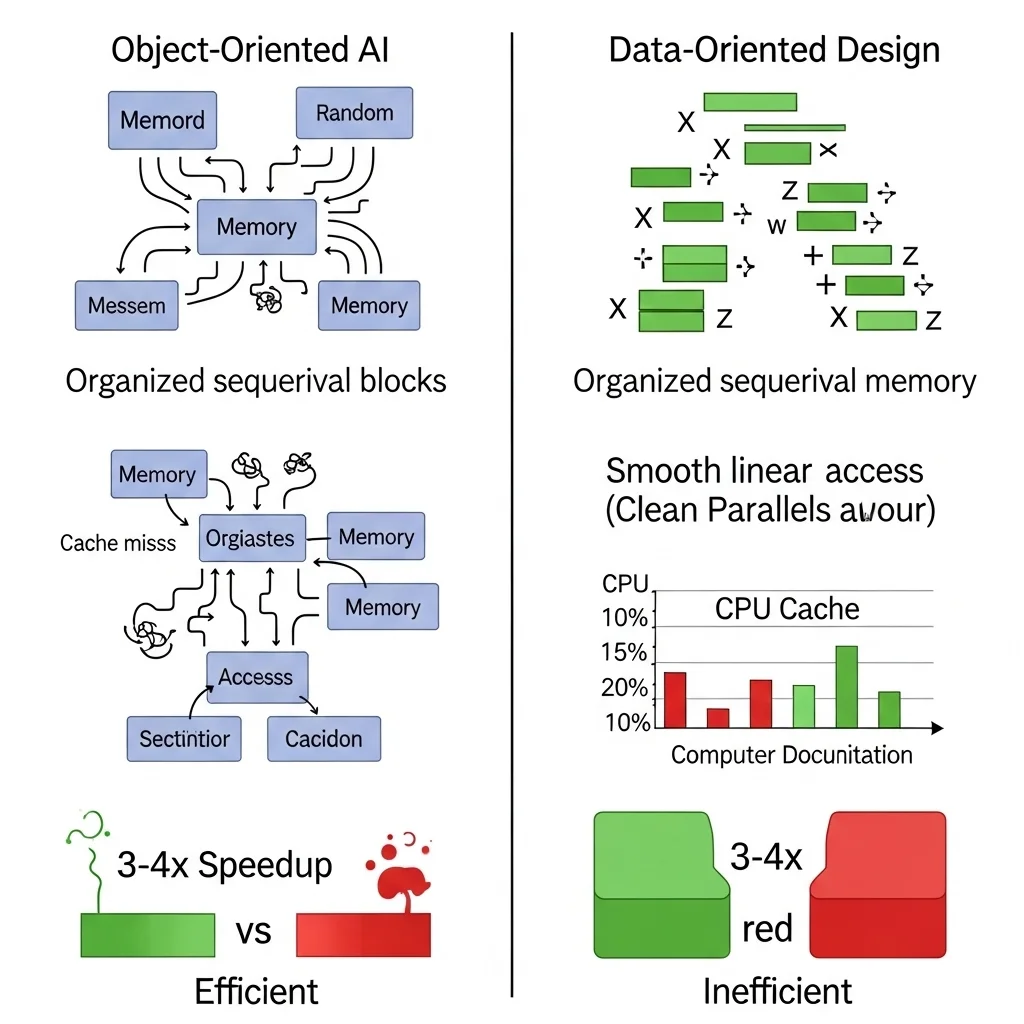
Modern CPUs love predictable memory access patterns. Traditional object-oriented AI where each character is an object with scattered memory allocations fights against this. Process a hundred characters, and you’re jumping all over memory, killing cache performance.
Data-oriented design restructures AI data by component type rather than by entity. All position data together, all perception data together, all decision data together. This enables SIMD operations and keeps the cache happy. I’ve measured 3-4x performance improvements just from restructuring data layout, with no algorithmic changes.
This pairs beautifully with batch processing. Instead of updating one character at a time (update perception, make decision, execute action, next character), you process all perception for all characters, then all decisions, then all actions. This improves cache coherency and makes it easier to parallelize.
The downside is complexity. Data-oriented code is less intuitive than object-oriented code, especially for gameplay programmers used to traditional patterns. You need better tooling and documentation to make it maintainable.
Multithreading: Promise and Pain
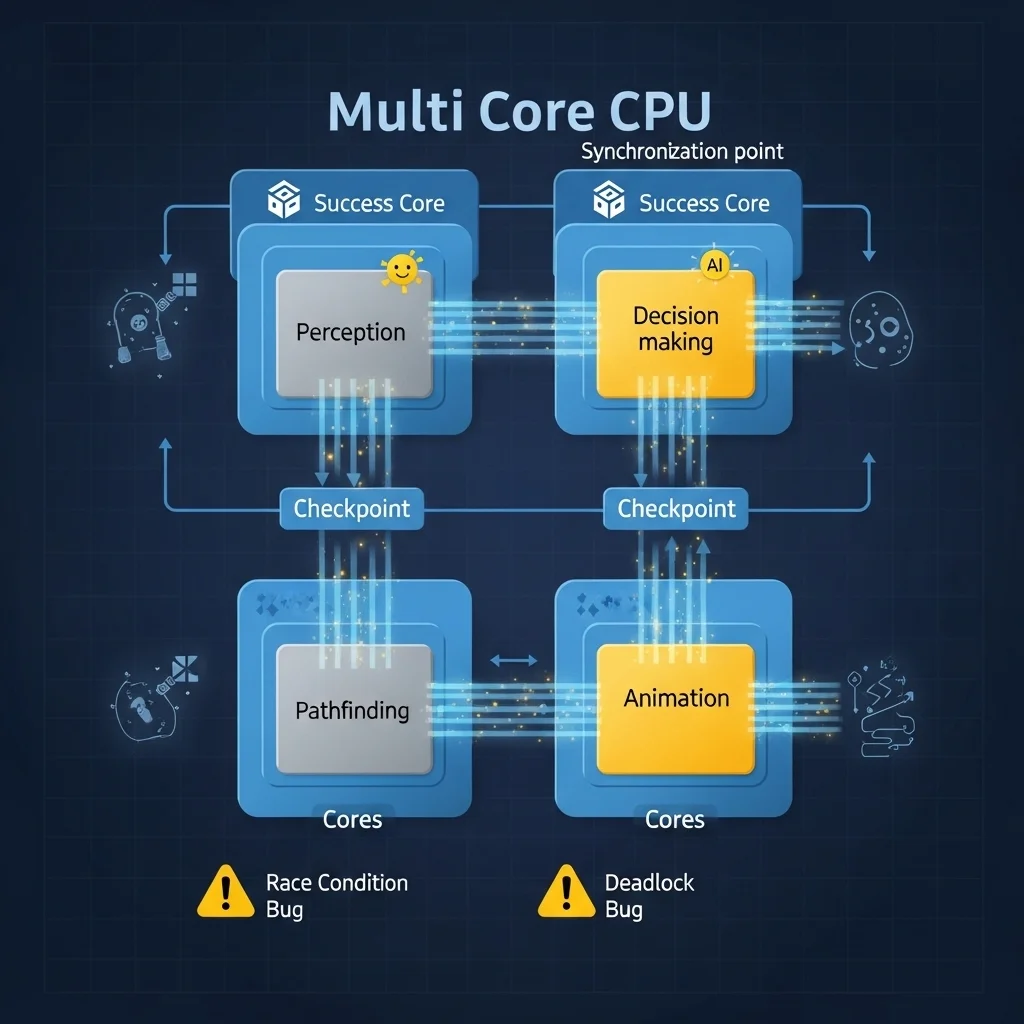
Throwing more CPU cores at the problem seems obvious, but game AI has dependencies that make it tricky. Decisions depend on perception. Actions depend on decisions. The game state constantly changes as characters move and interact.
I’ve had success with task-based parallelism where independent AI operations become tasks submitted to a job system. Pathfinding requests are naturally parallel ten characters calculating paths don’t interfere with each other. Perception queries for different characters are independent. Decision-making for different characters can run in parallel if they don’t share mutable state.
The key is identifying the parallelizable chunks of your AI pipeline and the synchronization points where you must wait for everything to complete. On one project, we ran perception for all characters in parallel, synchronized, then ran decision-making in parallel, synchronized, then applied all actions on the main thread. This gave us a 2-3x speedup on quad-core CPUs.
But multithreading introduces bugs that are hell to debug race conditions, deadlocks, non-deterministic behavior. I once spent two days tracking down a crash that only happened when 50+ characters were active and only on certain CPUs. Turned out to be a race condition in our spatial partitioning grid updates. Fun times.
Strategic Simplification
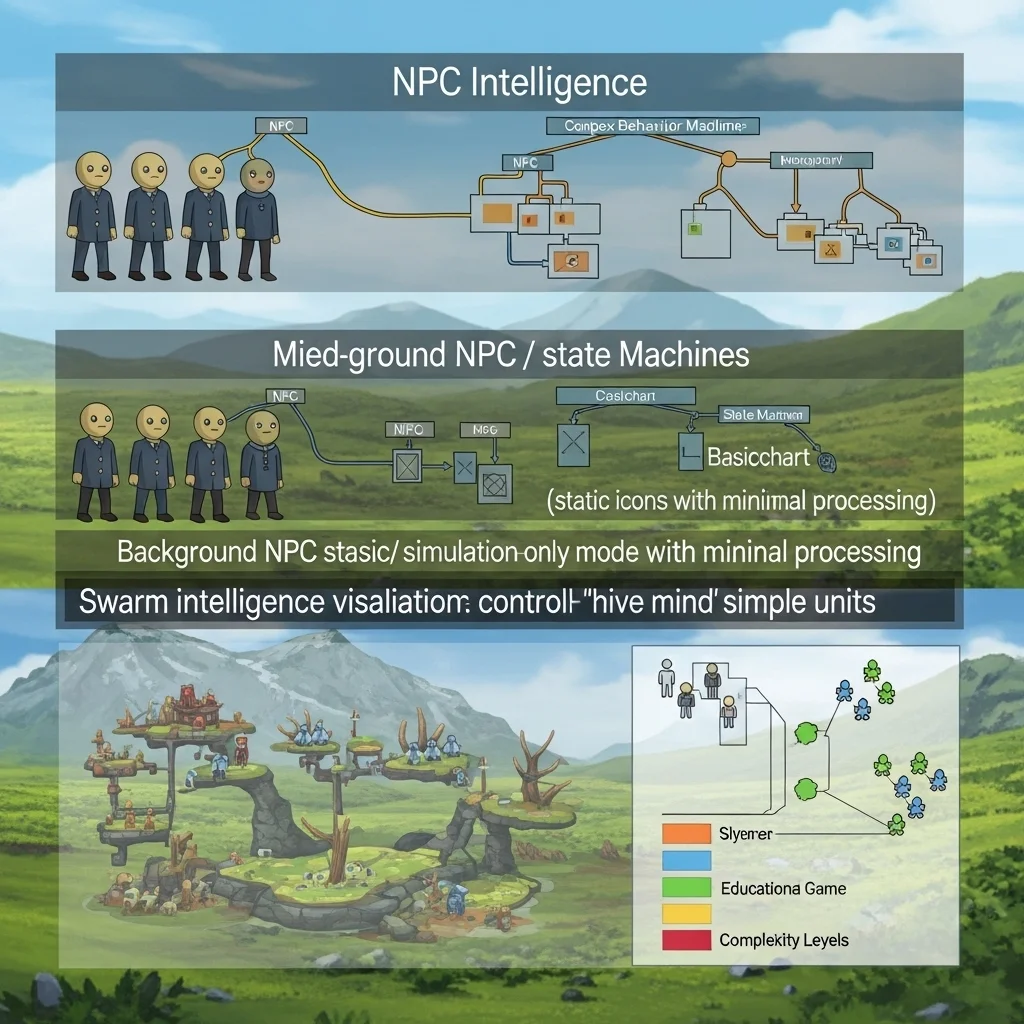
Sometimes scalability means accepting limitations. Not every character needs full AI capabilities.
Simulation-only characters maintain state without running expensive logic. A background NPC might have a schedule and position but skip pathfinding, perception, and decision-making unless the player gets close. They’re effectively in stasis until they matter.
I’ve used shared group intelligence for swarm-type enemies or background crowds. Instead of 50 characters each running pathfinding, one “mind” calculates high-level movement for the group and individual characters add minor variations. This works surprisingly well for zombies, schooling fish, or civilian crowds where individual intelligence isn’t critical.
Simplified decision-making for distant or unimportant characters helps too. An enemy 100 meters away doesn’t need complex utility-based AI a simple state machine suffices until they get closer. You can dynamically swap in more sophisticated decision-making systems as characters become relevant.
Async Operations and Timeslicing
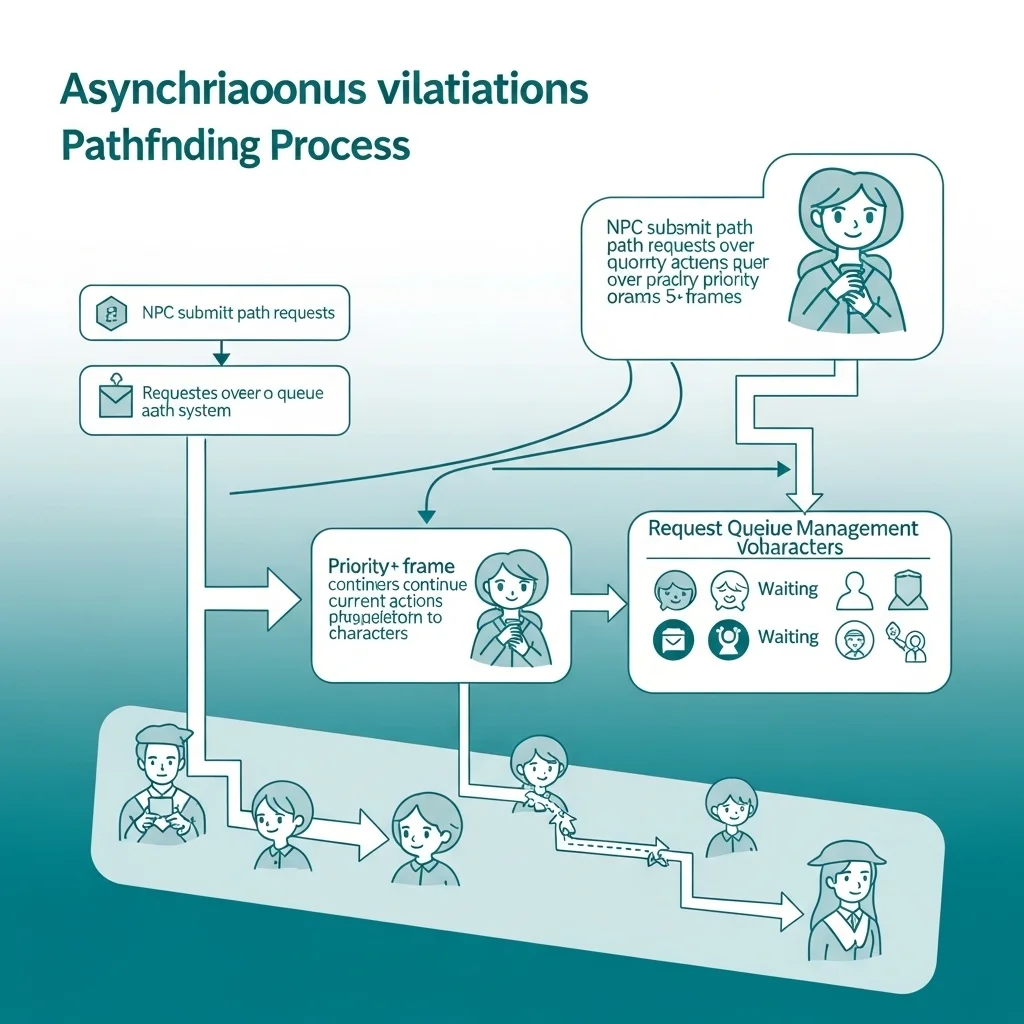
Pathfinding is usually the biggest performance killer in large games. Running A* for 50 characters simultaneously will tank your frame rate. The solution is making pathfinding asynchronous.
Characters request paths from a pathfinding service and continue with their current action while waiting. The pathfinding service processes requests over multiple frames, returning results when complete. I typically limit pathfinding to X requests per frame, processing the highest-priority ones first.
Timeslicing works for other expensive operations too. If you have a complex squad-tactics system that evaluates dozens of tactical positions, evaluate a few per frame and cache results. Players rarely notice 100-200ms delays in tactical repositioning, and it’s infinitely better than frame drops.
The challenge is handling invalidation what if the world changes while you’re calculating? A path request might take 5 frames to process, but the target moved. You need either tolerance for slight inaccuracies or invalidation systems that restart calculations when critical assumptions break.
Practical Trade-offs
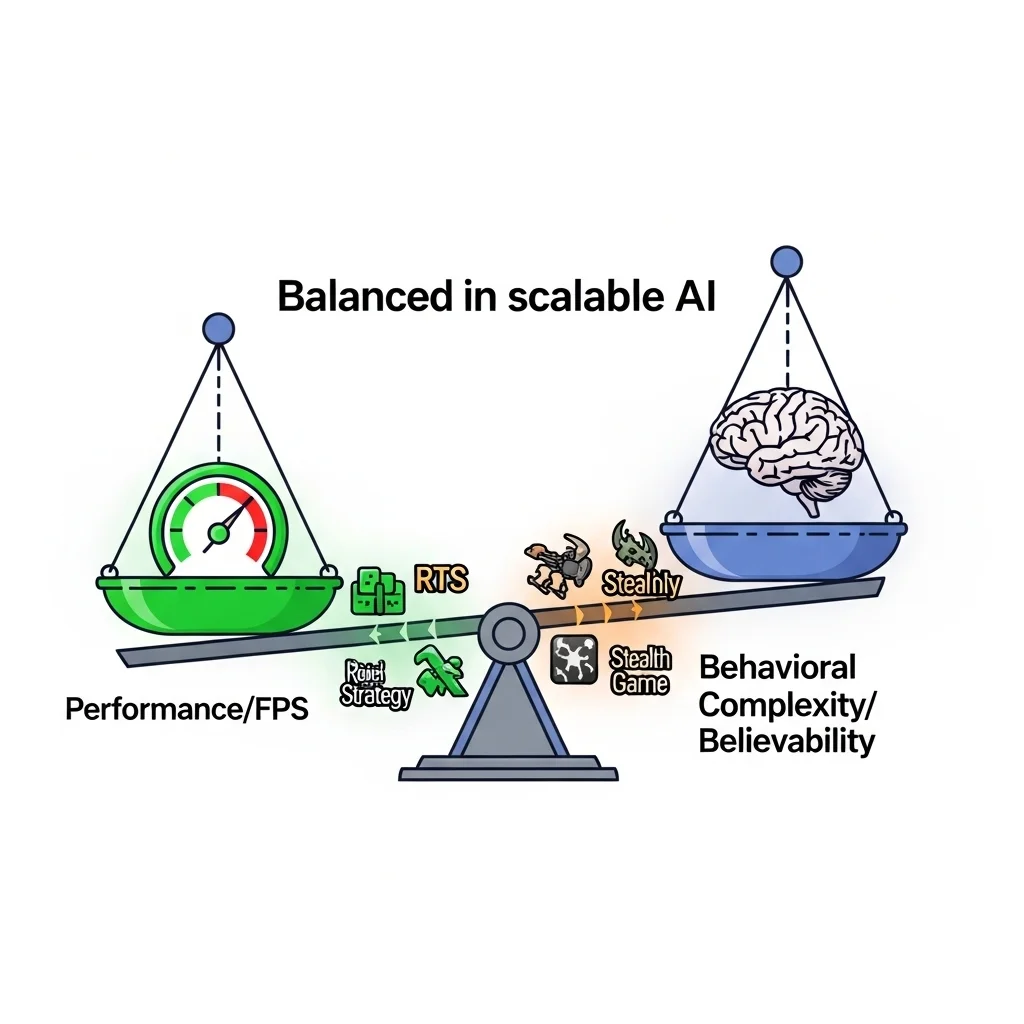
Every scalability technique trades something. LOD systems trade behavioral consistency for performance. Simplified AI trades believability for scale. Async operations trade responsiveness for frame rate stability.
The key is understanding what your game can afford. An RTS viewed from above can get away with simpler individual AI because players see the big picture, not individual nuance. A stealth game where players watch individual guard behavior closely needs that detail maintained even at scale.
I always profile before optimizing. You’d be surprised what actually costs CPU time versus what you assume does. On one project, we spent weeks optimizing pathfinding when the real bottleneck was inefficient perception queries. Measure, optimize the hotspot, measure again.
Looking Forward
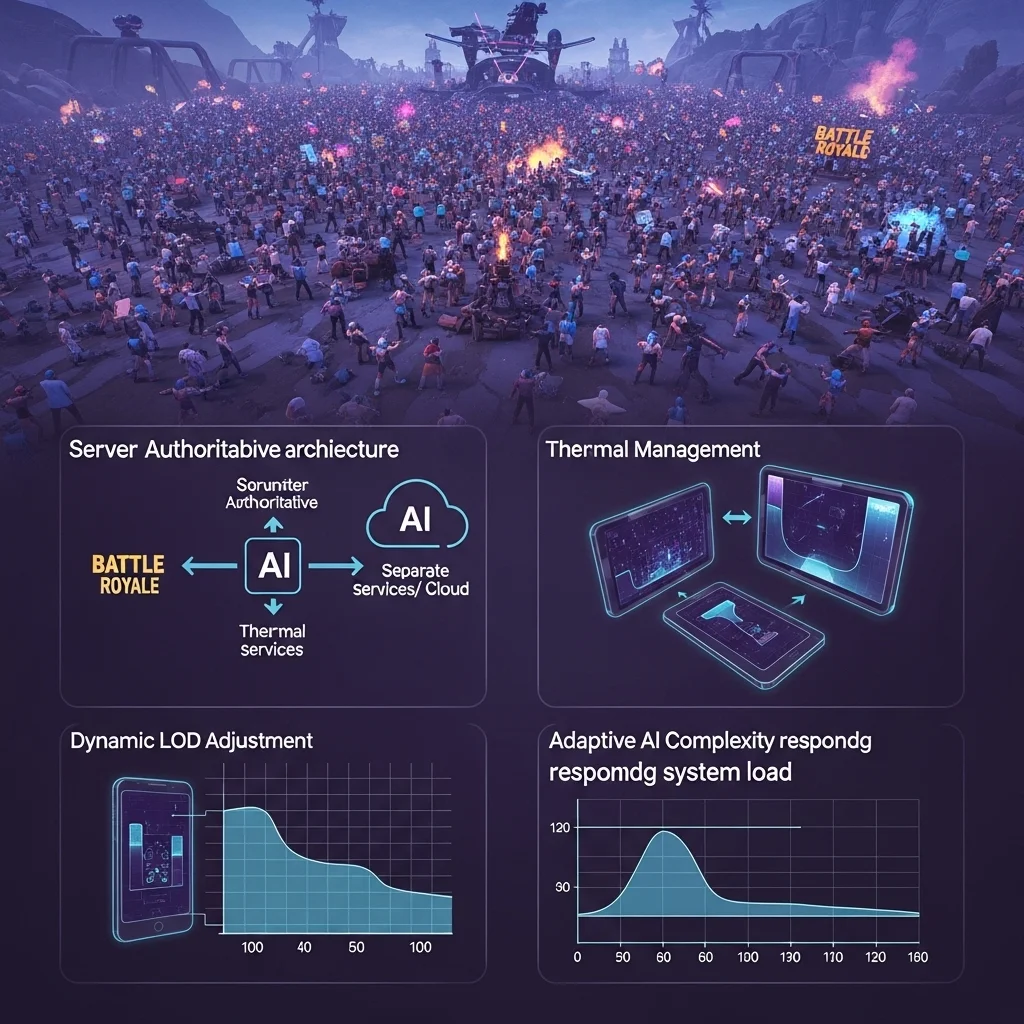
Games keep getting bigger. Battle royales with 100 players, MMOs with thousands, strategy games with massive unit counts the demand for scalable AI only increases.
We’re seeing more specialized hardware considerations. Console CPUs have specific quirks; mobile devices have thermal constraints that limit sustained performance. Scalable AI increasingly means adapting to hardware dynamically, reducing AI complexity when the system heats up or frame rate drops.
The industry is moving toward simulation-heavy approaches where AI runs partially in background threads or even separate services, updating game state asynchronously. This matches well with server-authoritative multiplayer games where AI already runs separate from rendering.
Building scalable AI means thinking in systems, not individuals. Plan for scale from day one, because retrofitting is painful. And always, always stress test with 10x the enemies you think you’ll need. Because players will find ways to push your systems harder than you imagined.
Frequently Asked Questions
What’s the main bottleneck in scaling game AI?
Usually pathfinding, followed by perception queries. Both are O(n) or worse operations that compound as character counts increase without proper optimization.
How many AI characters can modern games handle?
Depends heavily on AI complexity and hardware, but 50-100 fully featured AI characters updating at full frequency is typical. With LOD systems, you can push into hundreds or thousands.
Should I use multithreading for AI?
Generally yes for large-scale games, but start with single-threaded optimization first. Multithreading adds complexity and bugs make sure you actually need it before committing.
What’s the easiest way to improve AI scalability?
Implement LOD-style update frequency tiers. Updating distant/unimportant characters less frequently often gives 5-10x capacity increases with minimal code changes.
How do I prevent AI slowdown from being noticeable?
Maintain high update rates for characters near the player and on-screen. Players rarely notice if distant characters think slowly, but they immediately feel input lag or frame drops from CPU spikes.