
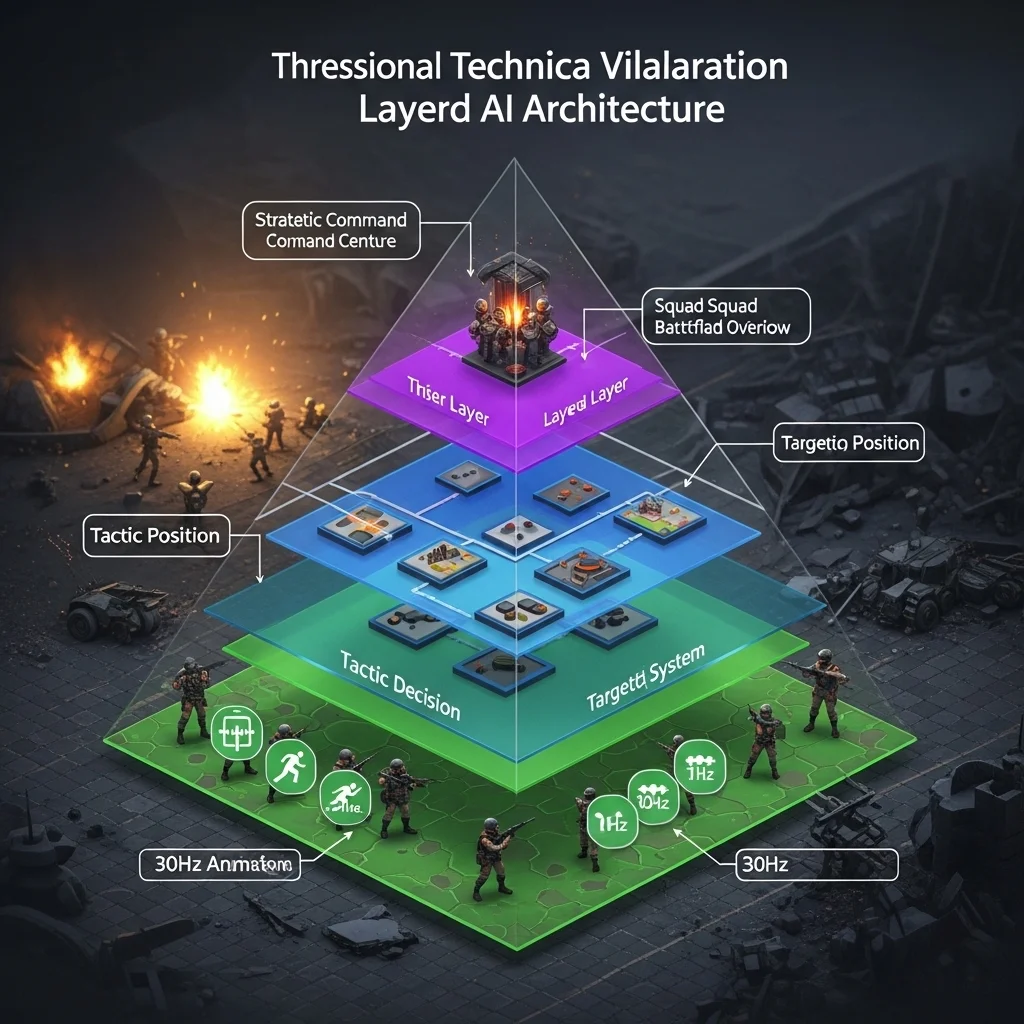
The moment I understood layered AI architecture was when I stopped thinking about individual characters and started thinking about systems of systems. We were building a squad-based tactical shooter, and our initial approach each soldier independently making all their own decisions resulted in chaos. Soldiers would bunch up, block each other’s firing lines, and generally look incompetent despite individually sophisticated AI. We needed different levels of thinking happening simultaneously, from individual survival instincts to squad-level tactics to overall battlefield strategy.
What Layered Architecture Actually Means
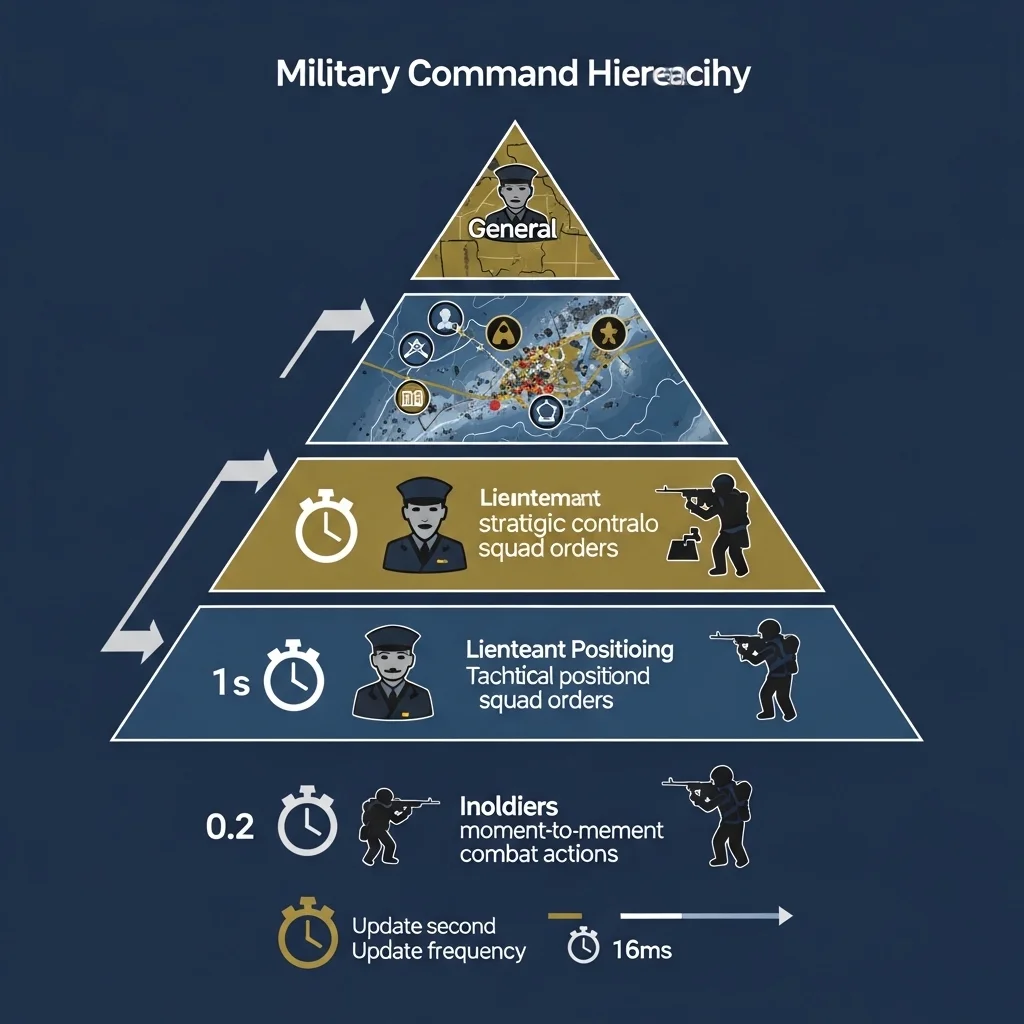
Layered AI architecture is essentially a hierarchy of decision-making systems, each operating at different levels of abstraction. Think of it like a military command structure: generals make strategic decisions, lieutenants handle tactical positioning, and individual soldiers execute moment-to-moment combat actions. Each layer operates on different timescales and considers different information.
The bottom layer handles immediate, reactive behaviors dodging incoming fire, playing appropriate animations, obstacle avoidance. The middle layer manages tactical decisions finding cover, flanking opportunities, target selection. The top layer coordinates high-level strategy territory control, resource management, overall battle plans.
This separation isn’t just elegant theory. It solves real problems. Lower layers can run frequently (every frame or multiple times per second) because they’re simple and local. Higher layers run infrequently (maybe once per second or even slower) because they’re computationally expensive and don’t need to react instantly.
The Movement Layer Foundation
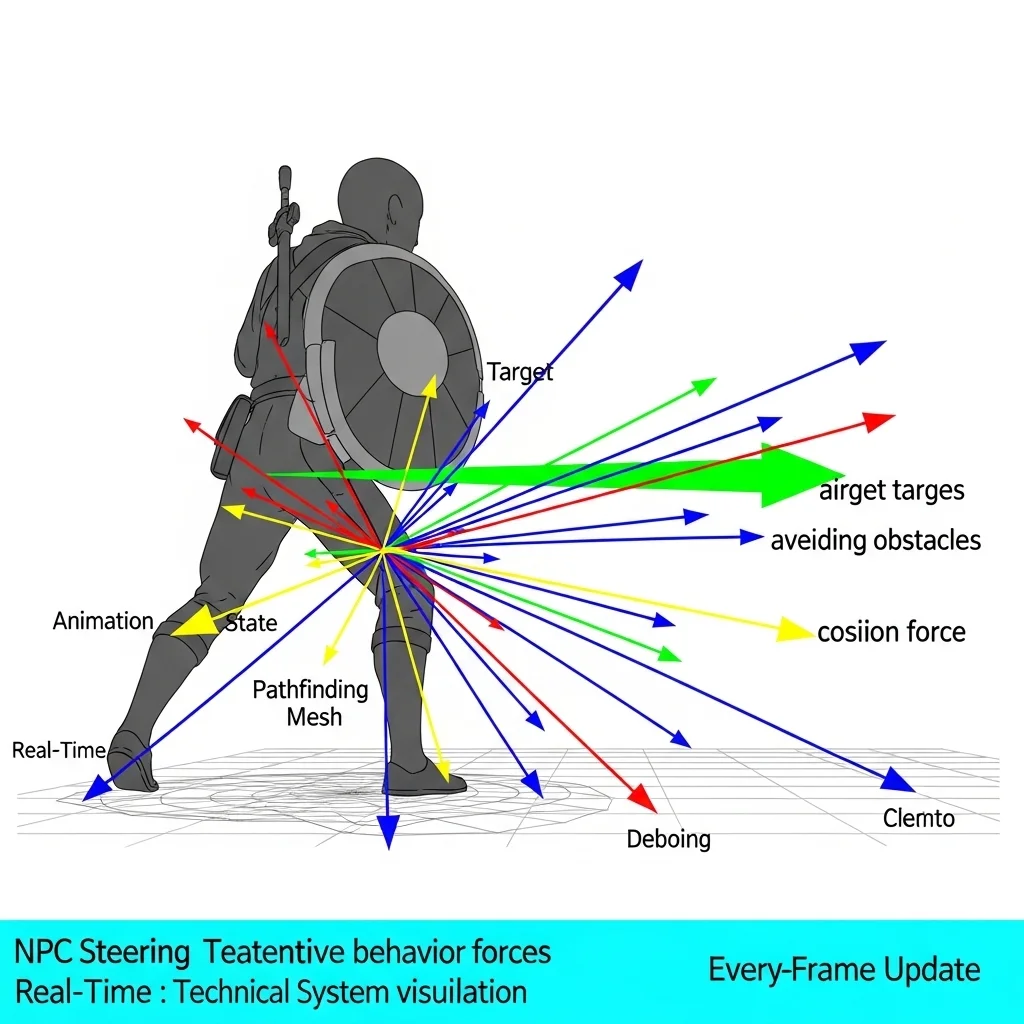
In most games I’ve worked on, the lowest layer handles movement and animation. This is the reactive layer that keeps characters from walking through walls, handles collision avoidance with other characters, and ensures animations match what’s actually happening.
Steering behaviors live here basic forces that push characters toward goals, away from obstacles, and around each other. I use a weighted combination: seek the target position, avoid nearby obstacles, separate from nearby allies, maintain some cohesion with the group. This happens every frame with minimal computation per character.
The beauty is that higher layers don’t need to worry about these details. The tactical layer can say “move to this cover position,” and the movement layer handles the actual navigation, obstacle avoidance, and animation. The tactical layer doesn’t care how the character gets there, just that they eventually do.
Tactical Decision-Making
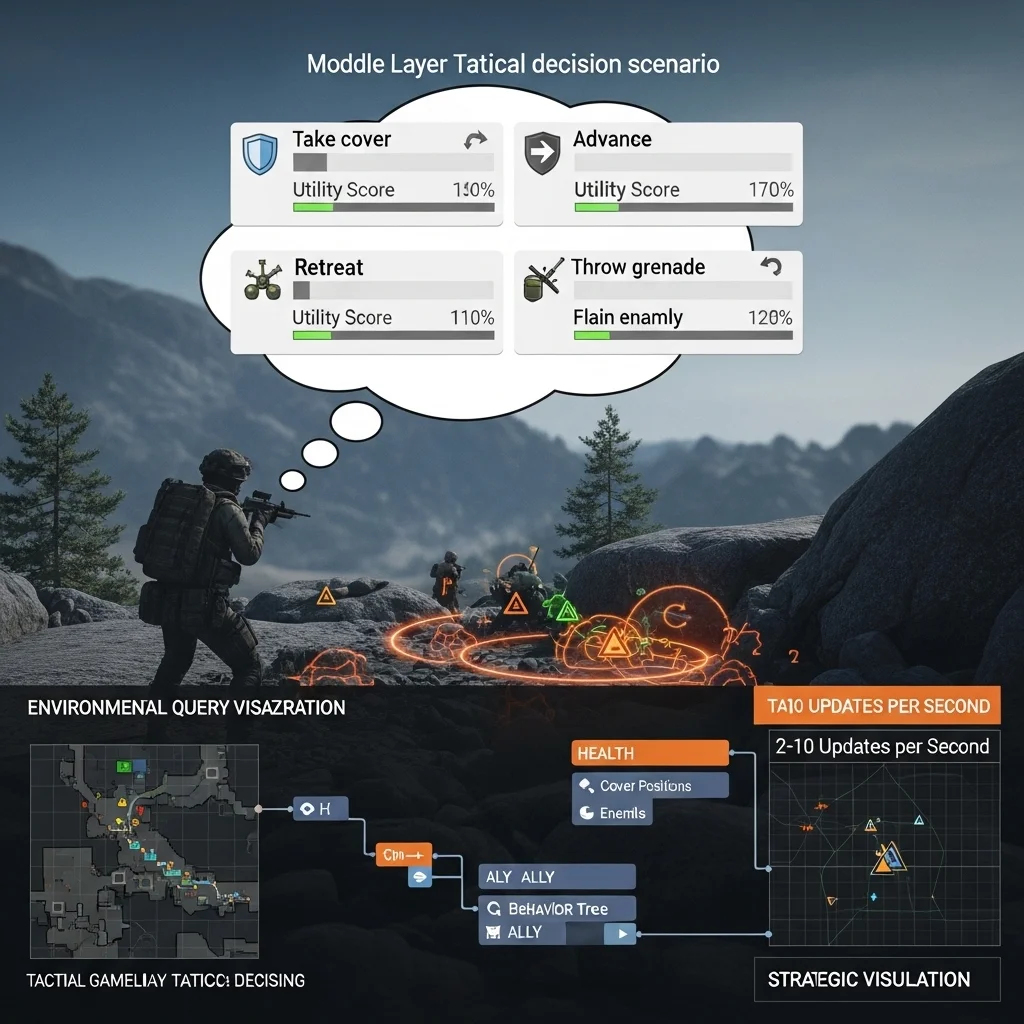
The middle layer is where most of the interesting behavior happens this is what players actually notice and judge as “good” or “bad” AI. Here’s where characters choose between advancing, retreating, taking cover, throwing grenades, or calling for backup.
This layer updates maybe 2-10 times per second depending on performance budgets. It queries the environment where’s cover? Where are enemies? What’s my health? Are allies nearby?—and makes decisions based on this information. Behavior trees or utility systems typically live at this layer.
On the tactical game I mentioned earlier, this layer decided things like:
- Should I peek from cover to shoot or stay hidden?
- Is this cover still safe or should I relocate?
- Should I suppress that enemy or try to flank?
- Am I the right person to throw a grenade given the current situation?
The key insight is that tactical decisions reference the movement layer (“move to that cover”) without implementing movement themselves, and they respond to strategic directives from above without understanding the overall plan.
Strategic Coordination
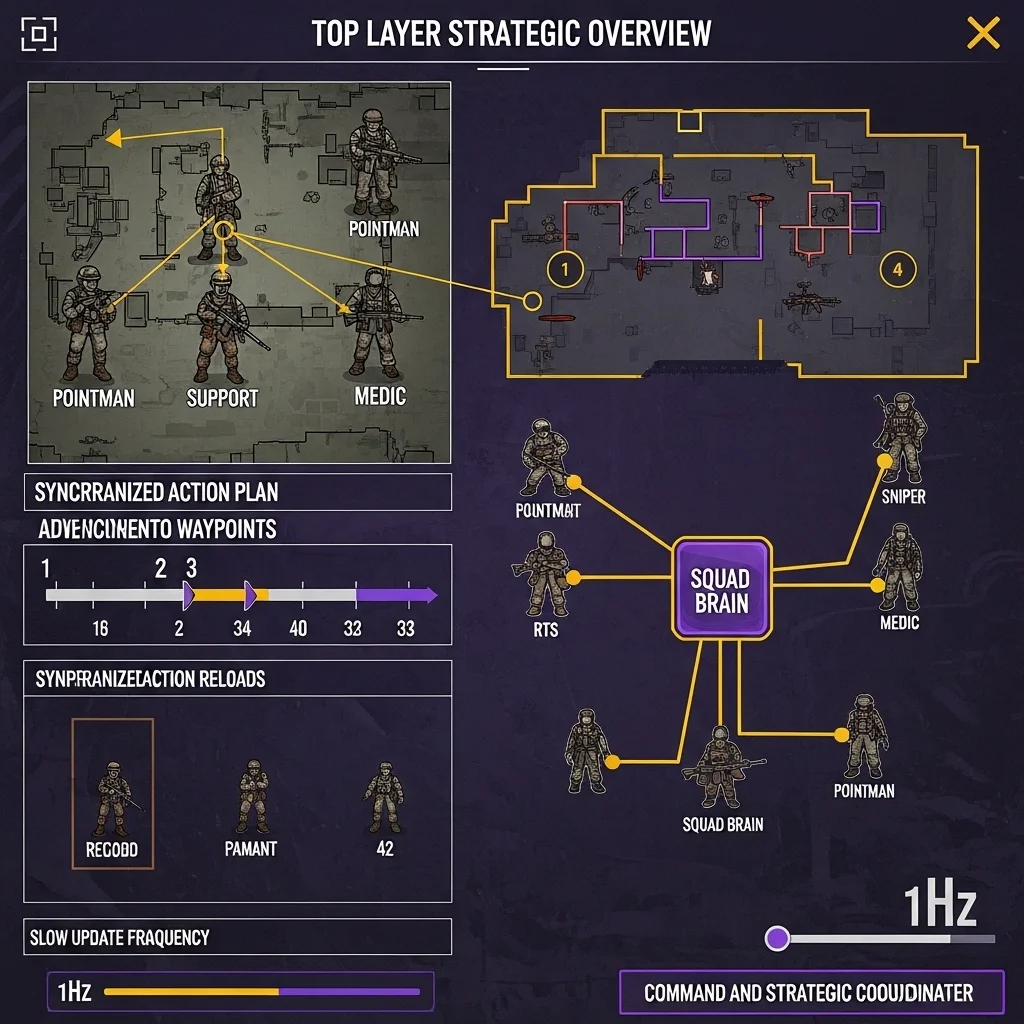
The top layer coordinates multiple characters toward larger goals. This runs slowly maybe once per second or even less frequently because it’s making big-picture decisions that don’t need constant updates.
For a squad of four soldiers, the strategic layer might assign roles: pointman, support, sniper, and medic. It decides overall squad positioning should we hold this room or advance to the next? It coordinates timing so characters don’t all reload simultaneously or all rush through the same doorway.
I’ve implemented this in different ways. Sometimes it’s a centralized “squad brain” that issues orders to individual soldiers. Other times it’s emergent from each character running high-level coordination logic. The centralized approach gives more control but requires more infrastructure. Emergent coordination is simpler but harder to predict and debug.
For RTS games, you might have even more layers: individual unit behavior, squad tactics, army-level strategy, and economic management all operating at different levels and timescales.
Communication Between Layers
This is where theory meets messy reality. Layers need to communicate, and getting the interfaces right makes or breaks the architecture.
I typically use a command pattern where upper layers issue commands to lower layers. The strategic layer issues “HoldPosition” or “AdvanceToRoom” commands to the tactical layer. The tactical layer doesn’t execute these directly it uses them as context for its own decisions. A “HoldPosition” strategic command makes the tactical layer favor defensive cover positions and reduced aggression.
The tactical layer issues specific action commands to the movement layer: “MoveTo”, “PlayAnimation”, “LookAt”. These are concrete enough that the movement layer can execute them without interpretation.
Information flows upward differently usually through shared state or queries. The strategic layer might query “what’s the average health of my squad?” The tactical layer queries “am I currently in cover?” from the movement/environment layer. This works better than event systems for most state information because it’s simpler and avoids synchronization headaches.
Some teams use blackboards where layers write information to shared data structures. The strategic layer writes “squadGoal: ADVANCE_TO_ROOM_B” to a blackboard, and individual characters’ tactical layers read this to inform their decisions. This decouples layers nicely but can make data flow harder to trace.
Practical Benefits I’ve Experienced

The performance benefits are immediate. When I split a monolithic AI system into layers with different update frequencies, we got 3-5x better scalability. The expensive strategic calculations that ran every frame now run once per second. The cheap reactive behaviors still run every frame where responsiveness matters.
Debugging becomes manageable. You can examine one layer at a time. If characters are making smart tactical decisions but moving stupidly, the problem is in the movement layer. If movement looks good but characters make poor tactical choices, the tactical layer needs work. Without clear layers, every bug could be anywhere.
Designer accessibility improved dramatically when we layered things properly. Our designers could tweak tactical behaviors (which cover to prefer, aggression levels, ability usage) without touching the movement code or strategic coordination. Each layer had appropriate tools visual behavior trees for tactics, parameter tuning for movement, high-level goal scripting for strategy.
Challenges and Trade-offs
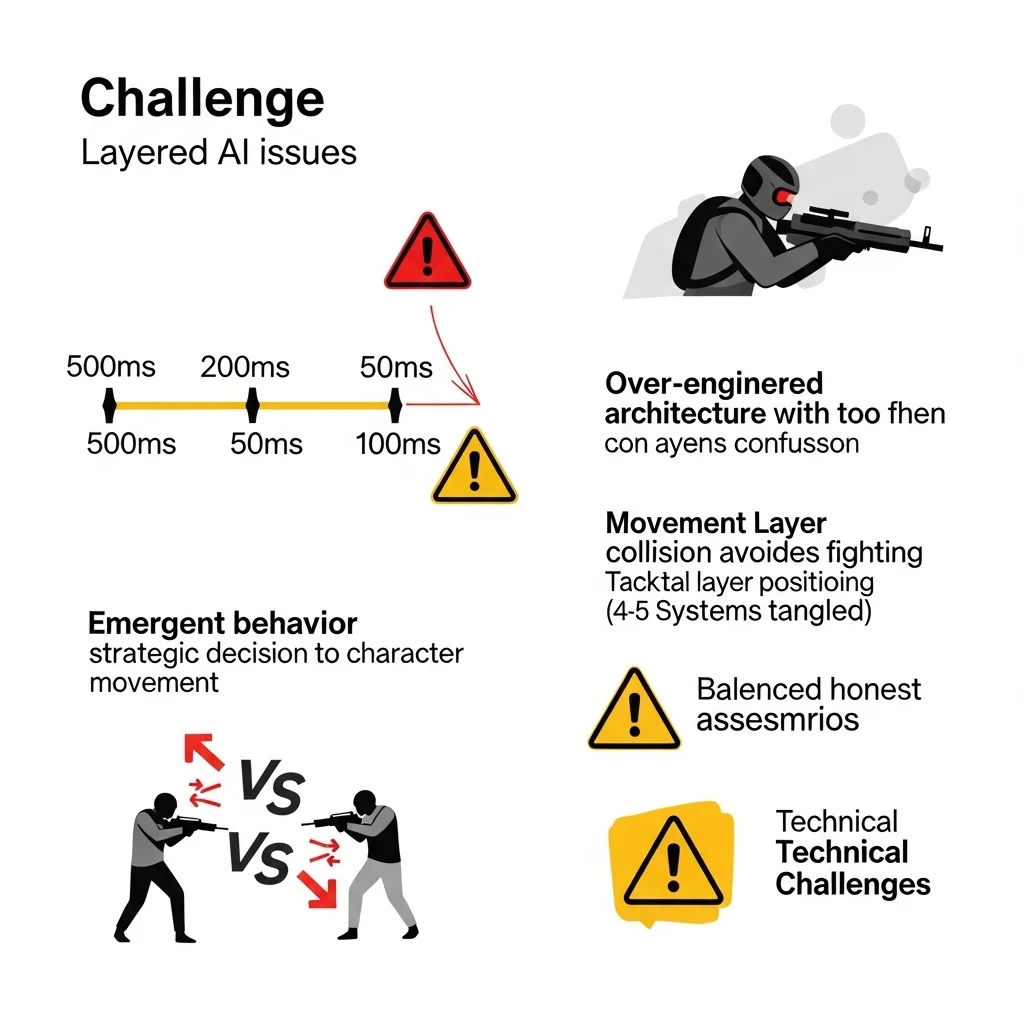
Latency between layers can feel wrong if you’re not careful. The strategic layer decides to fall back, but it takes 200ms for the tactical layer to process this and another 300ms for individual characters to start moving. In a fast-paced game, that half-second delay might be too much. You need to balance update frequencies against responsiveness.
I’ve seen teams over-layer their architecture to the point where simple behaviors require coordinating four or five different systems. A character deciding to pick up a health pack shouldn’t require board meetings between architectural layers. Know when to break abstraction for practical results.
Emergent behavior can be great or terrible. When layers interact in unintended ways, you get either delightfully organic-looking behavior or complete nonsense. I’ve had squad members abandon tactical positions because the movement layer’s collision avoidance fought with the tactical layer’s cover positioning. These interactions are hard to predict and require extensive testing.
Implementation Patterns That Work
I structure each layer as a separate system with clear update ordering. In the main update loop:
- Update perception/sensors (all characters)
- Update strategic layer (slow, maybe staggered)
- Update tactical layer (medium frequency)
- Update movement/animation layer (fast)
- Apply results to game world
Within each layer, I try to batch process all characters for better cache performance. Process all strategic updates together, then all tactical, etc.
State synchronization needs careful handling. If the tactical layer decides to move to cover but the strategic layer changes the goal before movement completes, what happens? I use a command queue system where each layer can cancel or modify commands it previously issued, and lower layers check if their current command is still valid.
For team-based games, I often add a perception/awareness layer below tactical decision-making. This handles what characters sense enemy positions, sounds, damage sources. Sharing perception data within a team is cheap and makes coordination look smarter. If one soldier sees an enemy, the whole squad knows about it (maybe with some delay or reliability factor).
When Layering Makes Sense
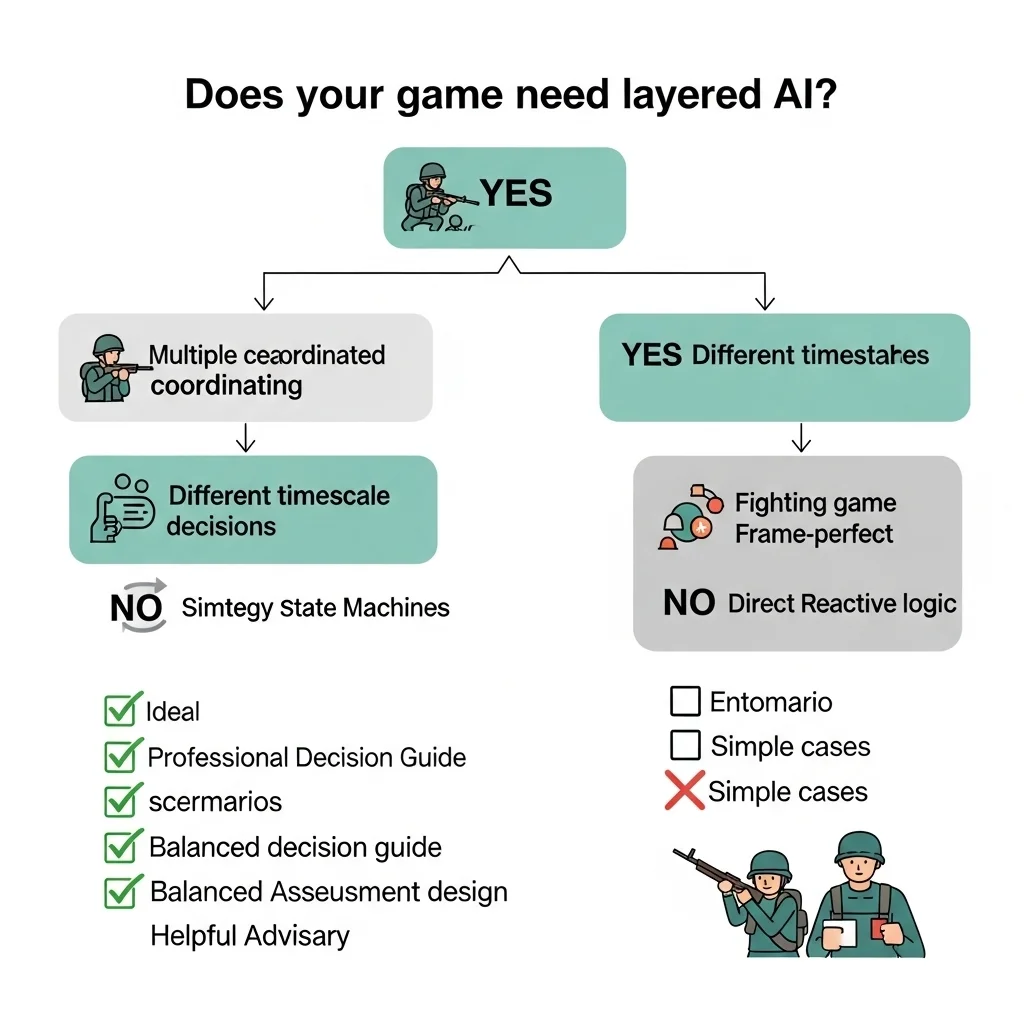
Not every game needs multiple layers of AI. A puzzle game with simple enemy patterns? Single-layer state machines work fine. A fighting game where frame-perfect responses matter? You want direct, reactive logic without architectural overhead.
Layered architectures shine when:
- You have multiple characters that need coordination
- Decisions happen at different timescales (immediate reactions vs. long-term planning)
- Performance requires running expensive logic infrequently
- Different team members work on different aspects of AI
- Complexity demands separation of concerns
I default to at least two layers (tactical and movement) for most action games, and add strategic layers when coordinating groups.
Real-World Examples
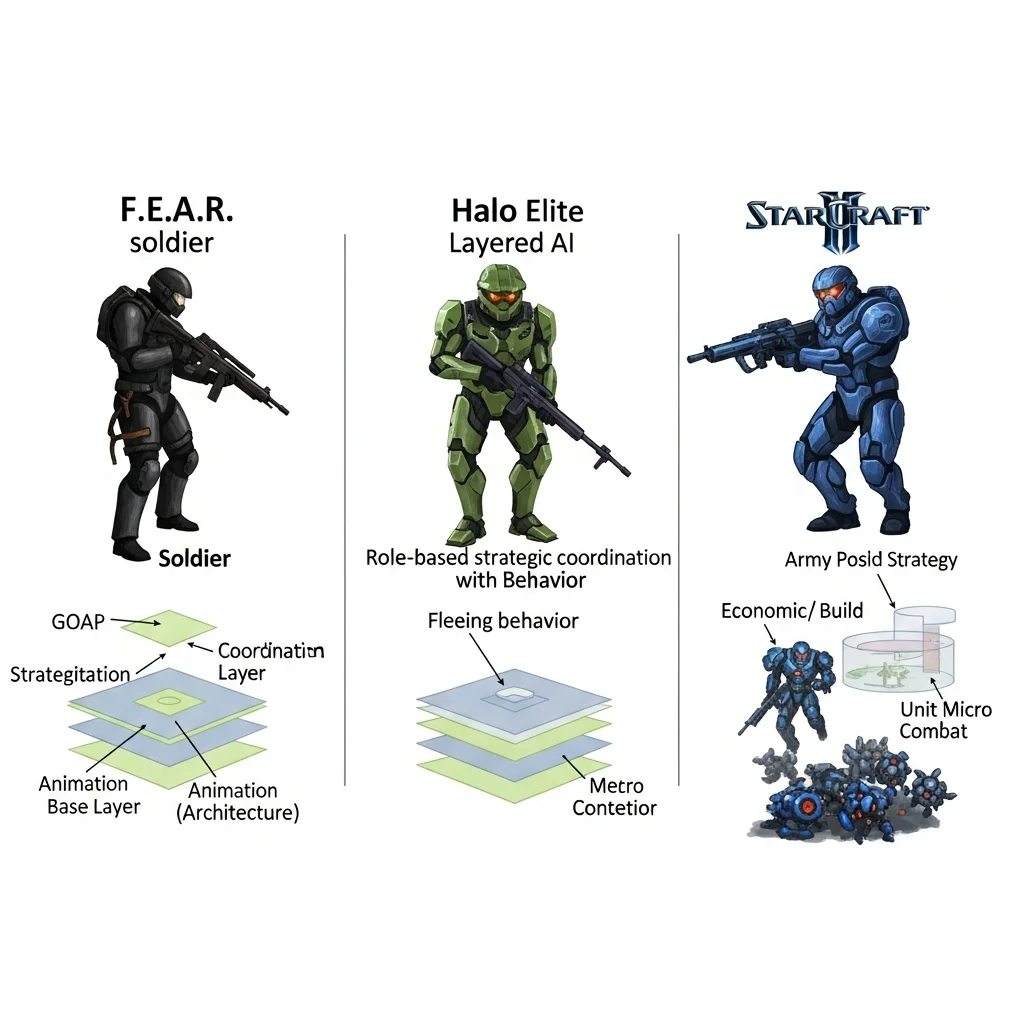
The F.E.A.R. AI system is probably the most famous layered architecture in games. They used GOAP (Goal-Oriented Action Planning) at the tactical layer with squad coordination at the strategic layer and animation/movement at the base. The result was AI that felt coordinated and intelligent without being unfairly perfect.
The Halo series uses layered AI with interesting role assignment at the strategic level. Grunts flee when their Elite leaders die that’s strategic layer information propagating down to affect tactical decisions.
RTS games like StarCraft II necessarily layer strategic economic/build decisions, army movement/positioning, and individual unit combat micro. Each operates at vastly different timescales.
Final Thoughts
Layered AI architecture isn’t a magic bullet, but it’s one of those fundamental patterns that scales well from simple games to complex simulations. The key is understanding what decisions happen at what frequency and organizing your code around that reality.
Start with two or three clear layers. Add more only when you need them. Keep interfaces between layers simple and well-documented. And always, always build debugging tools that let you see what each layer is thinking.
The goal isn’t architectural purity it’s AI that feels good to play against, runs efficiently, and doesn’t drive your team insane maintaining it.
Frequently Asked Questions
How many layers should a game AI architecture have?
Most games work well with 2-3 layers: movement/animation, tactical decision-making, and optionally strategic coordination. More layers add complexity that may not be justified unless you have truly complex multi-scale behavior.
What’s the difference between layered and modular AI?
Layered AI organizes by abstraction level (strategic/tactical/movement), while modular AI organizes by functional component (perception/decision/action). They’re complementary you can have modular components within each layer.
How do layers communicate in practice?
Typically, upper layers issue commands downward, and lower layers expose state/queries upward. Command patterns, shared blackboards, or direct function calls all work depending on your architecture.
Does layered AI hurt performance?
Done right, it helps significantly by running expensive high-level logic infrequently while keeping reactive behaviors fast. Poor implementation with excessive communication overhead can hurt, but that’s true of any architecture.
Can I add layering to existing AI code?
Possible but requires refactoring. You’ll need to identify which decisions happen at what frequency, extract them into separate systems, and define communication interfaces. Easier to design layering from the start.