
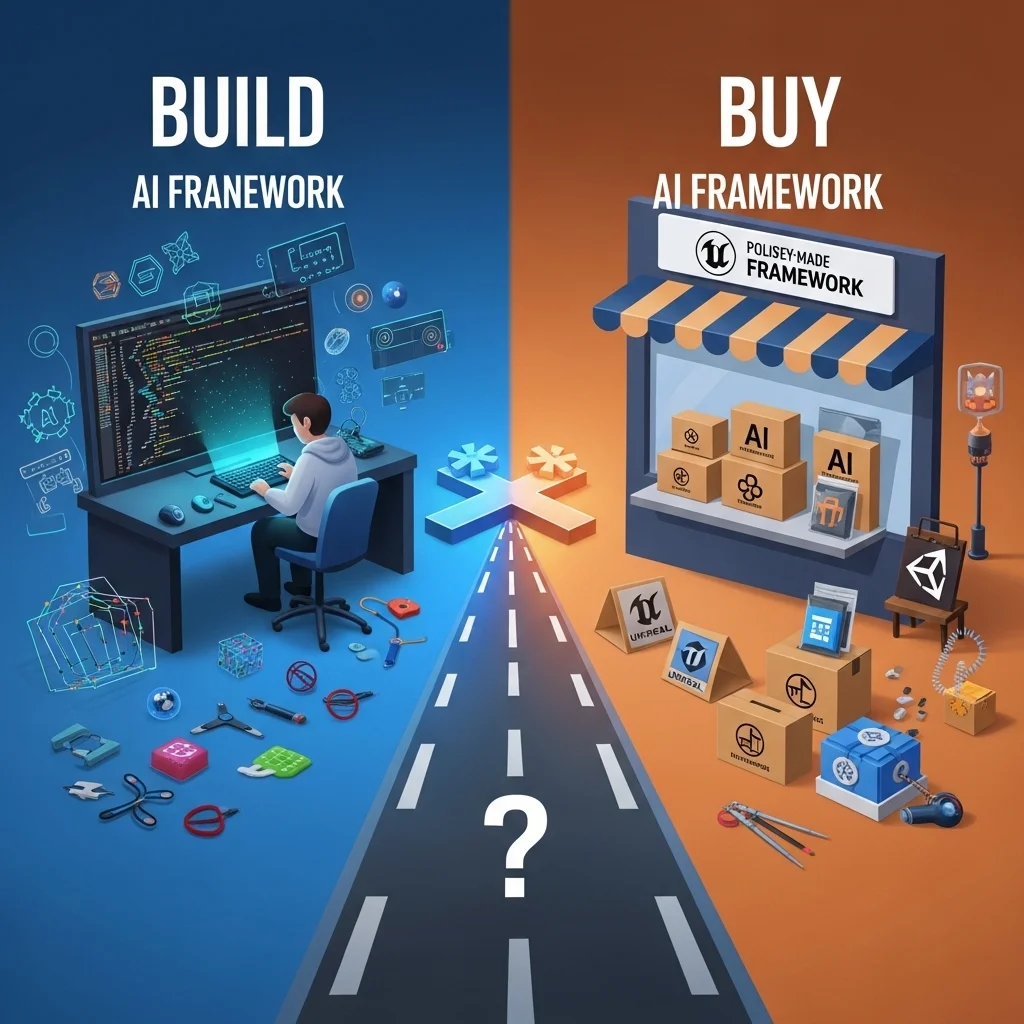
I’ve probably evaluated two dozen different AI frameworks over the years, and I can tell you right now: there’s no perfect solution. Every framework excels at something and frustrates you with something else. The first AI framework I shipped with was actually a homemade behavior tree system we cobbled together in about three weeks. It worked, but maintaining it became a nightmare. These days, with mature engine-integrated and third-party options, building from scratch makes less sense for most teams.
The Engine-Native Options
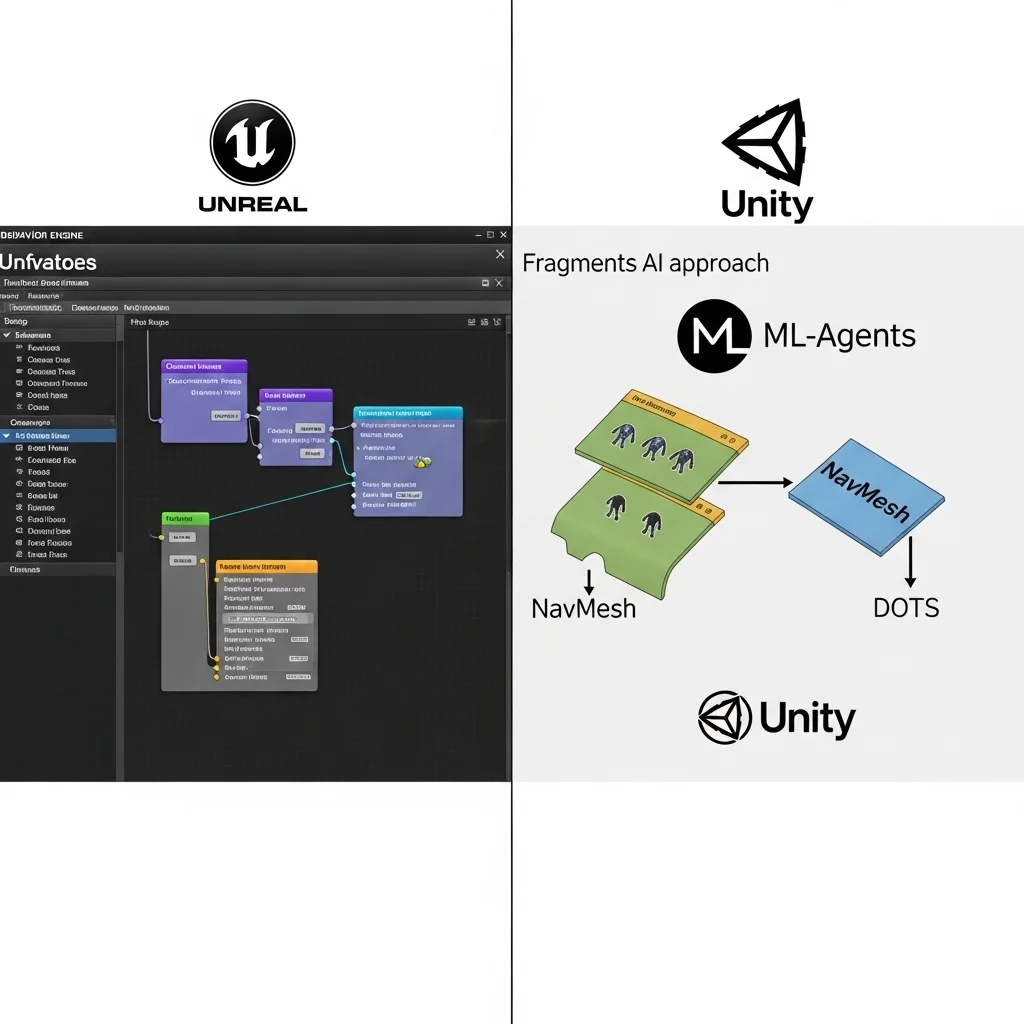
Unreal Engine’s behavior tree system is probably the most polished out-of-the-box AI framework available today. It’s deeply integrated with the engine, comes with visual editing tools, and Epic has spent years refining it across their own titles. The Event-Driven approach is particularly clever trees only run when something changes rather than constantly re-evaluating, which saves performance.
I’ve used it on multiple projects, and what I appreciate most is the debugger. You can watch trees execute in real-time, see which nodes succeed or fail, and understand exactly why a character made a specific decision. For complex boss fights or stealth enemies, this visibility is invaluable.
The downside? It’s somewhat rigid. The system expects you to work within its paradigms, and fighting against those patterns gets messy. We once needed extremely dynamic priority-based decision-making that would have been natural with a utility system, but cramming it into behavior trees required awkward workarounds.
Unity’s situation is more fragmented. They’ve gone through several iterations the old navigation and animation state machine systems, then experimental packages, now the “Entities” DOTS-based approach. I’ve shipped games using Unity’s NavMesh for pathfinding combined with custom decision-making, and it’s… fine. The pathfinding is solid, but you’re largely building your own higher-level AI systems.
Unity’s ML-Agents framework deserves special mention as one of the few production-ready machine learning solutions for games. It lets you train behaviors using reinforcement learning and imitation learning. I’ve experimented with it for racing AI and some combat behaviors. When it works, the results can be impressively organic. The catch is unpredictability trained behaviors sometimes do bizarre things in edge cases you didn’t anticipate during training. For most shipped games, hand-authored AI still makes more sense, but ML-Agents has potential for specific problems like racing lines or fighting game opponents.
Third-Party Frameworks That Actually Matter
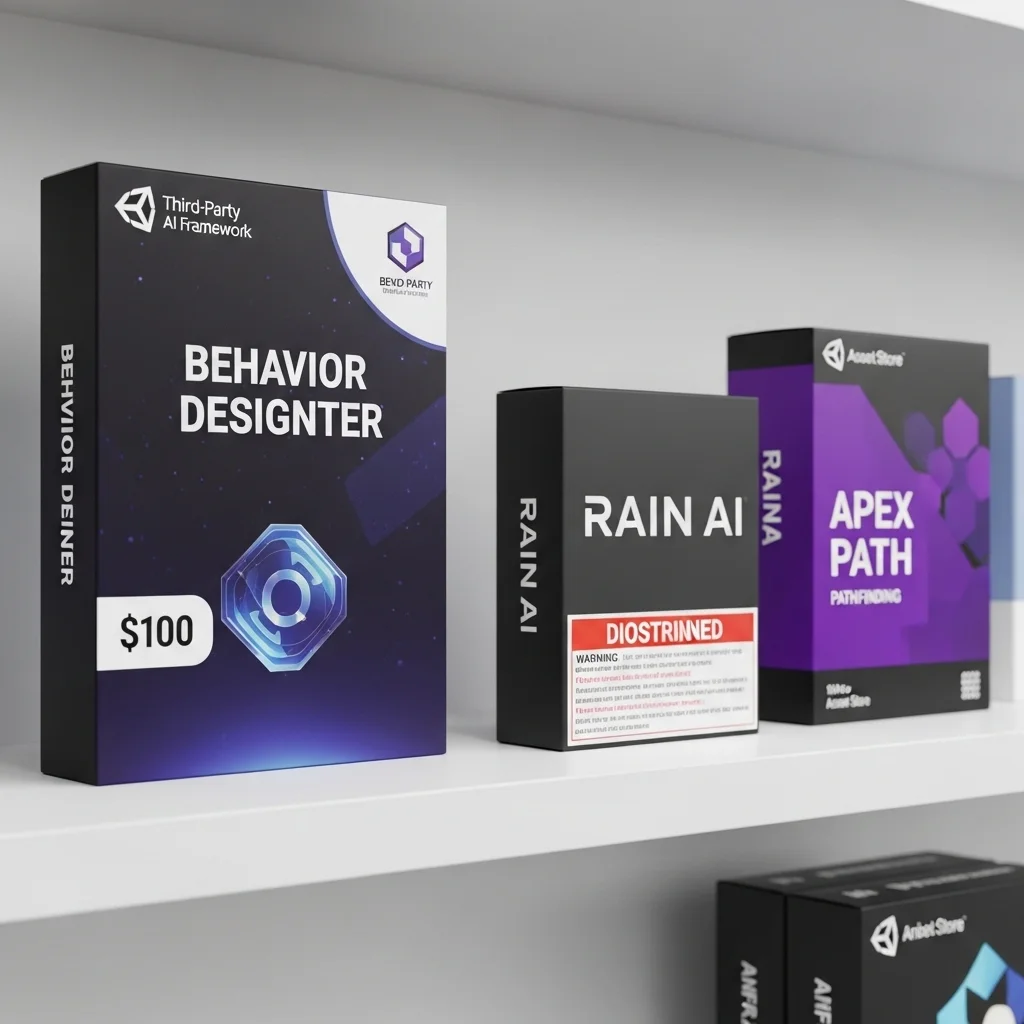
Behavior Designer for Unity is basically what Unity should have included by default. It’s a robust behavior tree implementation with a visual editor, conditional aborts, variables, and good documentation. I’ve recommended it to probably a dozen teams working in Unity. At around $100, it’s one of those assets that pays for itself immediately in development time saved.
The creator is responsive to issues, and there’s a decent community around it. One project I consulted on used Behavior Designer for everything from enemy AI to quest logic to UI flow control. That’s probably over-using it, but it speaks to the flexibility.
RAIN AI was popular for Unity years back before the developer stopped maintaining it. I mention it because several teams I know still use forked versions internally. It had a nice GOAP (Goal-Oriented Action Planning) implementation and visual tools. Kind of a cautionary tale about third-party dependencies, though—when support ended, teams were stuck either maintaining the code themselves or migrating everything to different systems.
Apex Path is another Unity asset focused specifically on pathfinding with support for dynamic obstacles, different character sizes, and other features Unity’s built-in NavMesh lacks. It’s been solid in my experience, though pathfinding is one of those “if it works, don’t touch it” systems. Once you get it configured properly, you basically forget about it.
Specialized Solutions
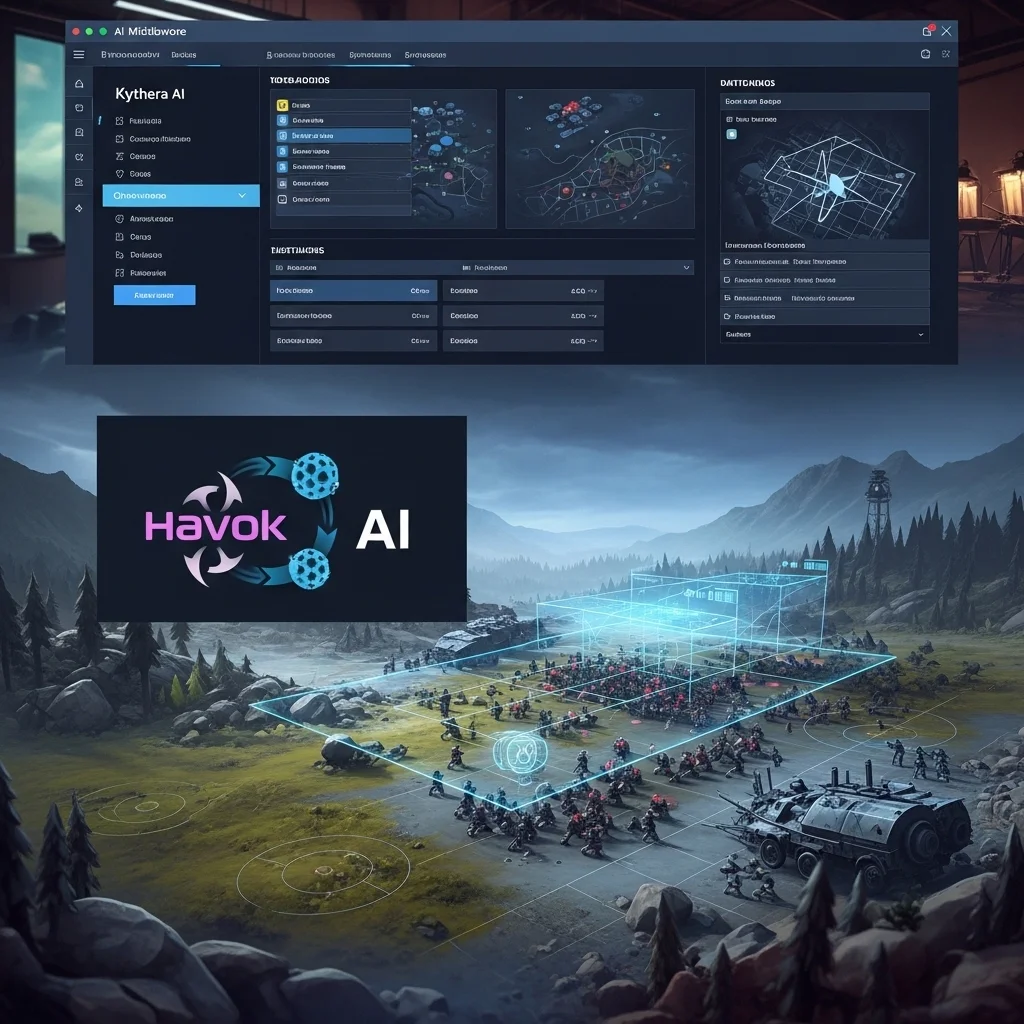
For strategy games, Kythera AI (now owned by Moon Studios) offers a comprehensive middleware solution with spatial reasoning, tactical positioning, and formations. It’s enterprise-level software with enterprise-level pricing, which puts it out of reach for most indie teams, but studios working on RTS or tactical games sometimes go this route.
I’ve only worked with Kythera briefly during a contract, but I was impressed by the level of abstraction. You could define tactical concepts like “cover” or “high ground” and the system would identify these in your level geometry and use them in decision-making. Of course, that sophistication comes with a learning curve.
Havok AI is another middleware option that some AAA studios use, often bundled with Havok Physics. It includes pathfinding, navigation mesh generation, and behavior systems. I’ve seen it primarily in large studio environments where the cost is justified by the support and proven scalability.
The Open Source Landscape

BehaviorTree.CPP is an excellent C++ behavior tree library I’ve used in custom engines and Unreal projects. It’s header-only, well-documented, has XML serialization, and gets updated regularly. For teams comfortable with code-focused workflows, it provides the core behavior tree functionality without forcing editor tools or engine integration on you.
JGOAP and other GOAP implementations floating around GitHub can be useful starting points if you want goal-oriented AI. GOAP is one of those approaches that sounds amazing in theory but is tricky to implement well. I’ve seen teams spend months building GOAP systems that ended up being harder to tune than simple behavior trees. Starting with a reference implementation helps, but don’t underestimate the authoring and debugging challenges.
Recast & Detour deserves mention as the navigation mesh generation and pathfinding library that Unity’s system is actually based on. It’s open source C++, and several commercial engines use it under the hood. If you’re building a custom engine or need pathfinding outside a commercial engine, Recast & Detour is the de facto standard.
When to Build vs. Buy
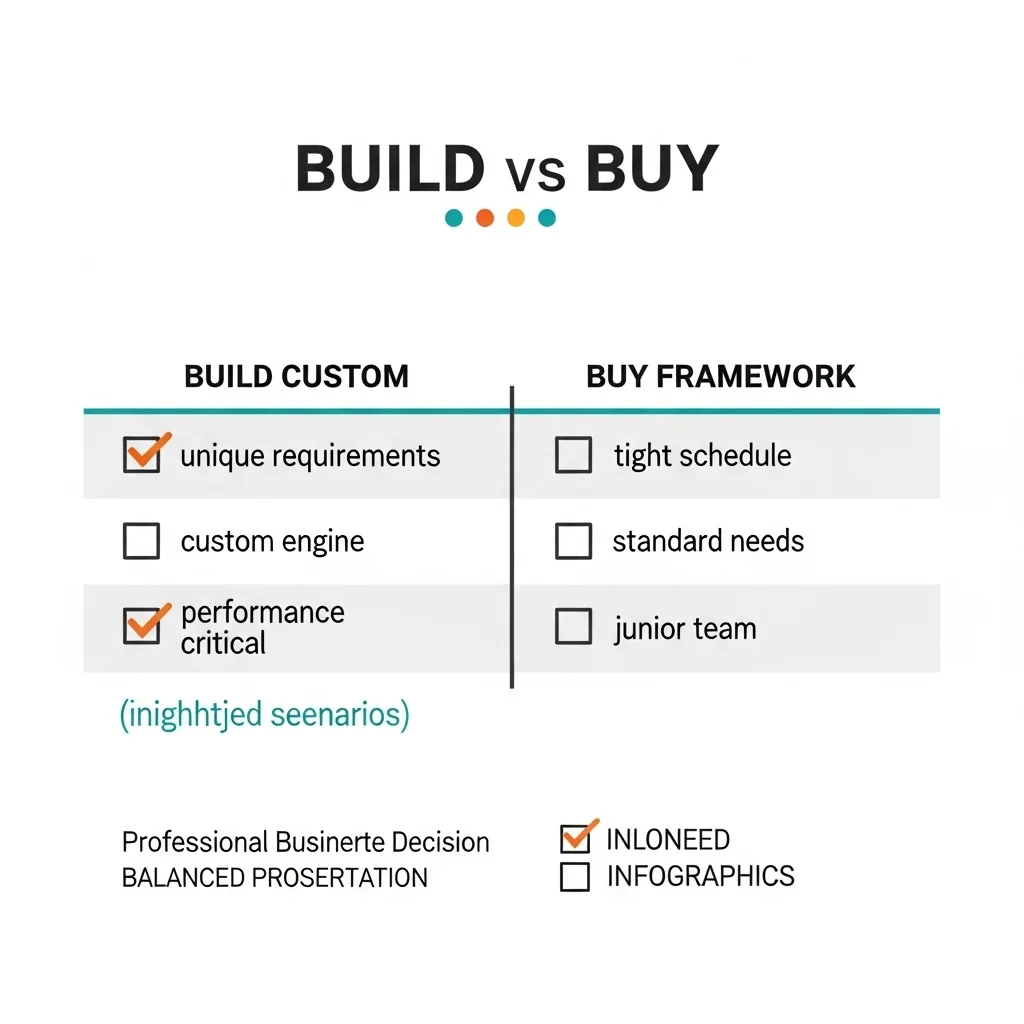
Early in my career, I had a “not invented here” attitude about frameworks. We could build exactly what we needed, right? Well, yes, but at what cost? I’ve watched small teams spend six months building custom AI systems that were worse than what they could’ve bought for a few hundred dollars.
Build custom when:
- Your game has truly unique AI requirements that frameworks don’t address
- You have the expertise and time to do it properly
- You need absolute performance optimization for a specific platform
- You’re working in a custom engine where integration would be painful
Use existing frameworks when:
- Your AI needs are relatively standard (which is most games)
- You’re on a tight schedule
- You have junior developers who benefit from established patterns
- You value stability and community support over perfect customization
I’ve shipped games both ways. The custom-built AI for a rhythm-based combat game made sense because no framework understood our timing-dependent requirements. But for a stealth action game, using Unreal’s built-in systems let us focus on tuning behaviors rather than building infrastructure.
Integration Challenges Nobody Warns You About
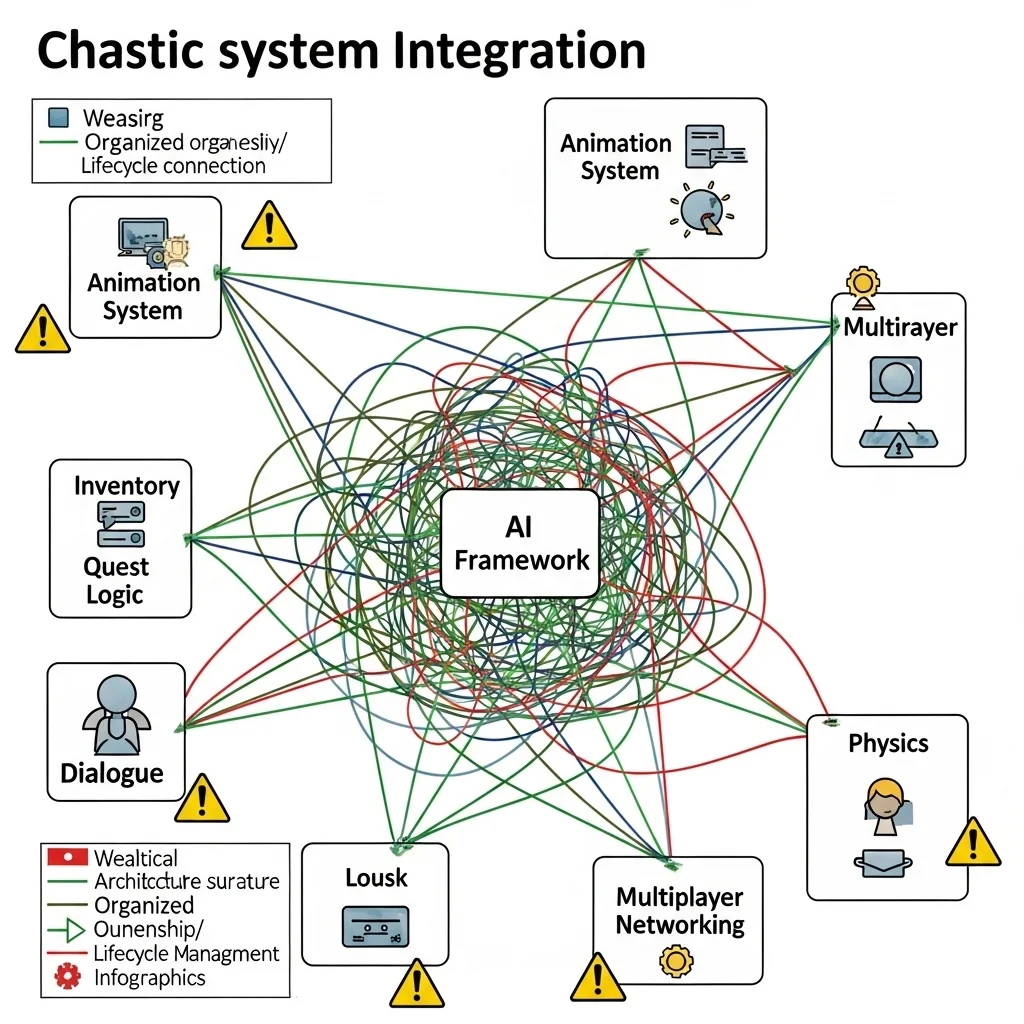
Framework documentation always shows clean, simple examples. Reality is messier. When you’re integrating AI with your animation system, inventory, dialogue, quest logic, and multiplayer networking, things get complicated fast.
Ownership and lifecycle management trips people up constantly. When a behavior tree requests an animation, who owns that request? What happens if the AI decision changes before the animation completes? These questions have different answers in different frameworks, and misunderstanding them causes bugs.
I’ve found that frameworks with strong debugging tools matter more than I initially thought. The fanciest AI architecture in the world becomes frustrating if you can’t understand why characters are misbehaving. Unreal’s behavior tree debugger is the gold standard here. Frameworks that require you to add print statements everywhere to debug become painful quickly.
What I Actually Recommend
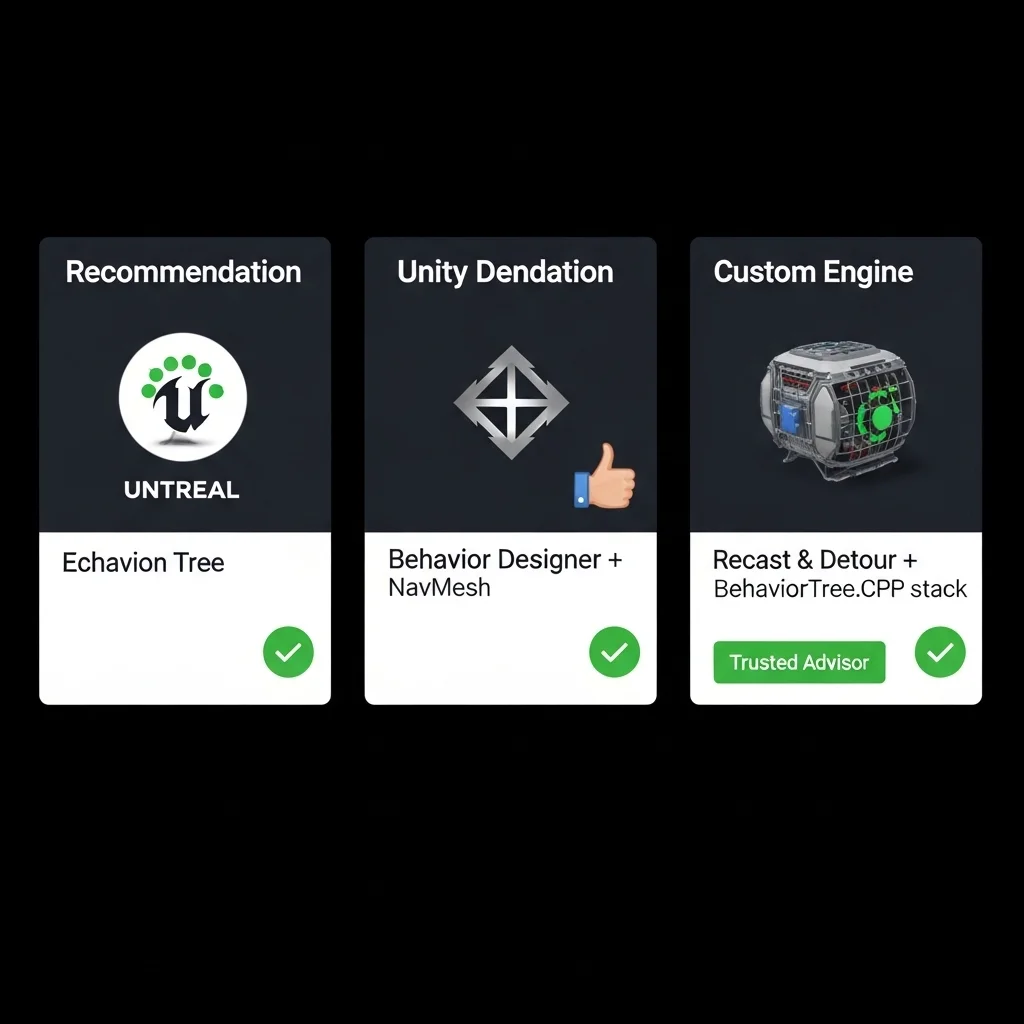
For Unreal projects: just use the built-in behavior trees and AI systems unless you have specific reasons not to. They’re well-supported, well-documented, and most Unreal developers understand them.
For Unity projects: Behavior Designer for behavior trees, Unity’s built-in NavMesh for pathfinding, and custom utility systems when you need priority-based decision-making. This combination has worked well across multiple projects.
For custom engines: Recast & Detour for navigation, BehaviorTree.CPP for decision-making, and write your own perception systems tailored to your needs.
For beginners: start with whatever your engine provides natively. Learn the patterns and principles before evaluating whether you need something more sophisticated.
The Future Landscape

We’re seeing more interest in hybrid approaches frameworks that combine behavior trees for high-level structure with utility systems for specific decisions, or traditional AI with machine learning for particular problems. Unity’s DOTS and the push toward data-oriented design is influencing how AI frameworks are architected.
The rise of visual scripting (Blueprint, Bolt, etc.) is blurring the line between “programming” and “design,” which affects how AI frameworks expose their functionality. I expect we’ll see more frameworks that work seamlessly with visual scripting while still offering code-level control for optimization.
Cloud-based AI and server-side decision-making for multiplayer games is another emerging area, though that’s mostly custom infrastructure rather than off-the-shelf frameworks currently.
The bottom line: use what lets you ship. I’ve seen beautiful custom AI architectures in games that never released, and I’ve seen slightly janky but functional framework-based AI in successful shipped titles. Perfect is the enemy of good enough, especially when you’re trying to finish a game.
Frequently Asked Questions
What’s the best AI framework for indie developers?
For Unity, Behavior Designer is excellent value. For Unreal, the built-in behavior tree system is professional-grade and free. Both let small teams build complex AI without reinventing the wheel.
Can I use multiple AI frameworks together?
Yes, it’s common to use one framework for pathfinding and another for decision-making. Just watch for integration complexity and performance overhead from multiple systems.
Are machine learning frameworks ready for production?
Generally not as primary AI solutions yet. Unity’s ML-Agents and similar tools are useful for specific problems but lack the predictability and designer control that traditional AI provides.
How much do professional AI middleware solutions cost?
Varies wildly. Simple Unity assets run $50-200. Professional middleware like Kythera or Havok AI requires enterprise licensing that can be five or six figures annually, plus integration costs.